


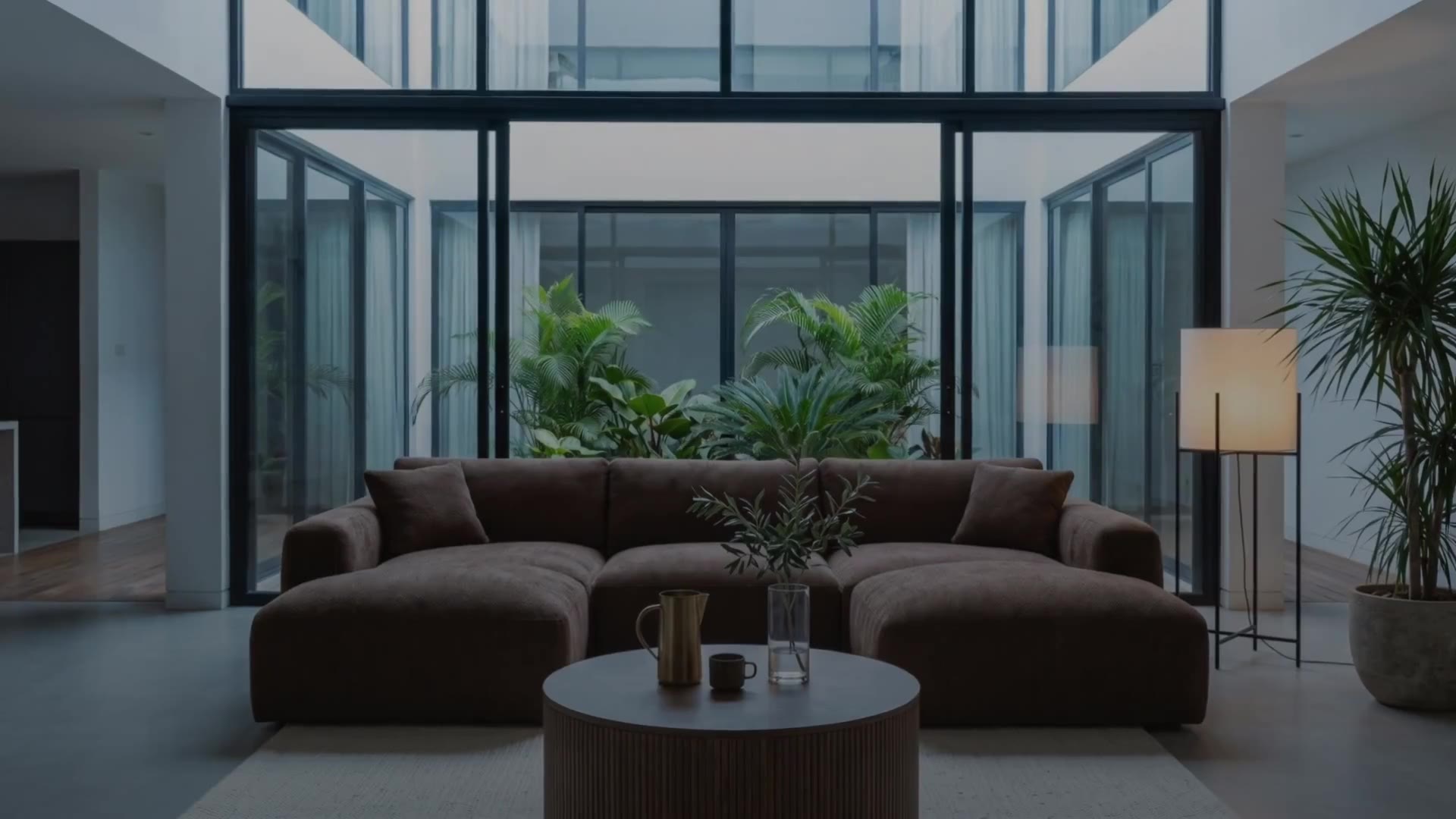
Sopla turns one photo of your furniture into a packshot on white, photos of the piece in any interior style, product videos and print-ready 4K images. It is a set of photo and video tools for the furniture industry: you upload a photo, click the options you need and get the finished files in your gallery. The video shows all 15 tools one by one. Below, each of them is described in a few sentences, with the minute where you can see it in the video.
All tools at a glance
| Tool | What it does | In the video |
|---|---|---|
| Packshots | a clean photo of the piece on white or on a studio background | 0:00 |
| Styles | the piece in a new interior, in 17 styles | 0:16 |
| Photo batch | many pieces and styles in one order | 0:31 |
| Add people | a family, friends, kids or a dog in the photo | 0:41 |
| Make video | a product video from a photo, 5 or 10 seconds | 0:52 |
| Edit decor | a new look for the room, described in words or shown with a reference photo | 1:04 |
| Variants | another version of the same piece in the same interior | 1:17 |
| Zoom | a sharp close-up of a selected part of the photo | 1:29 |
| Save interior | an empty room to furnish with other pieces | 1:40 |
| Color & material | the piece in other fabrics and colours | 1:59 |
| Angle | the piece turned in place, or the room seen from another side | 2:15 |
| Ratio | the same photo in another format | 2:30 |
| Resolution | a 4K photo for print | 2:42 |
| Dimensions | dimension lines drawn on the photo | 2:53 |
| Adjust | light, colour, cropping and a high-quality download | 3:03 |
From a furniture photo to interior photos
Packshots
Upload a photo of your furniture, even one taken on a phone in the warehouse. The PACKSHOT option removes the background and gives you a clean photo on white, ready for your shop and marketplaces. The studio background can match the piece, contrast with it, or be light or dark, and you can show the piece from every side on the same background. More in Furniture packshot: what it is and how to prepare one.
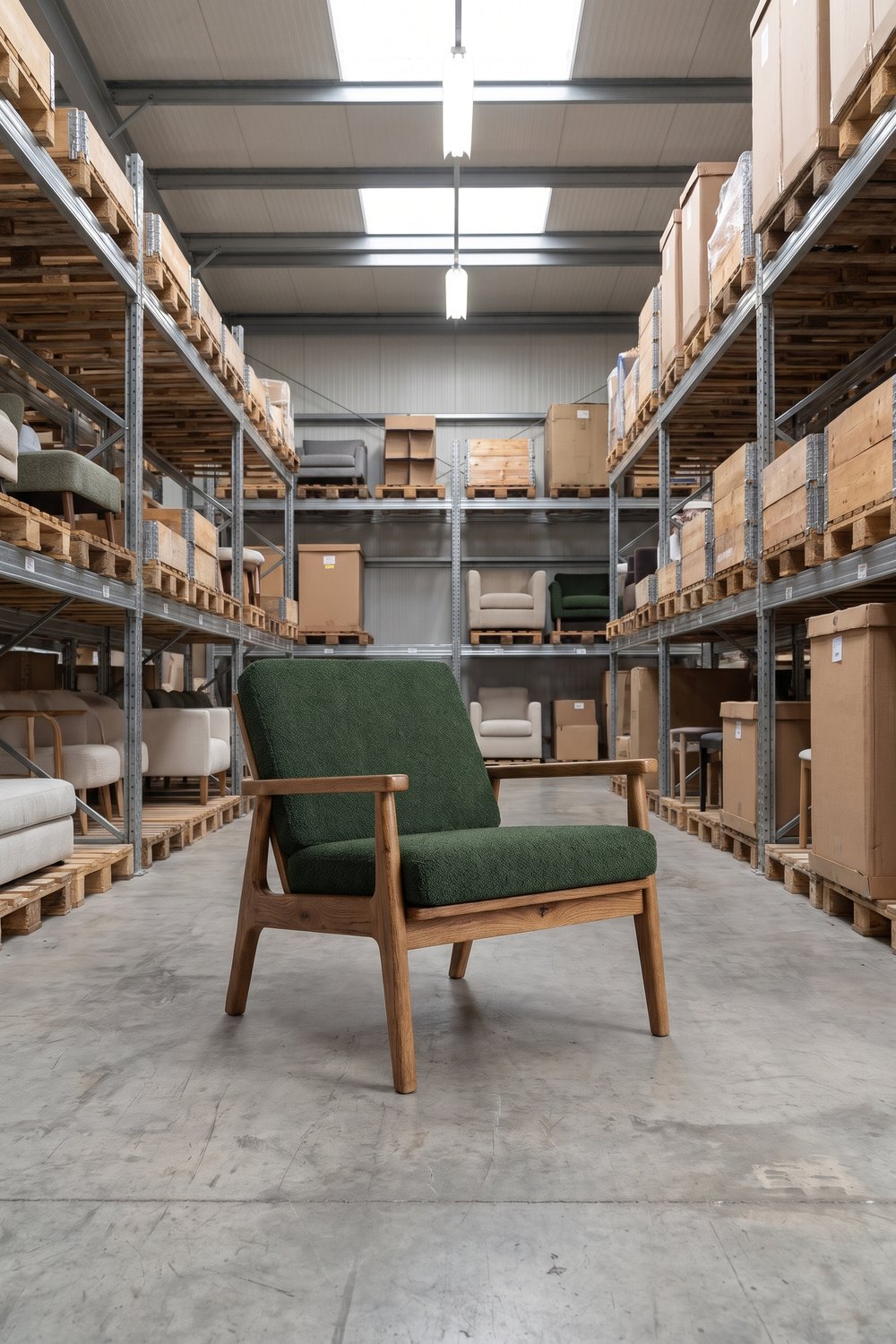 WAREHOUSE PHOTO
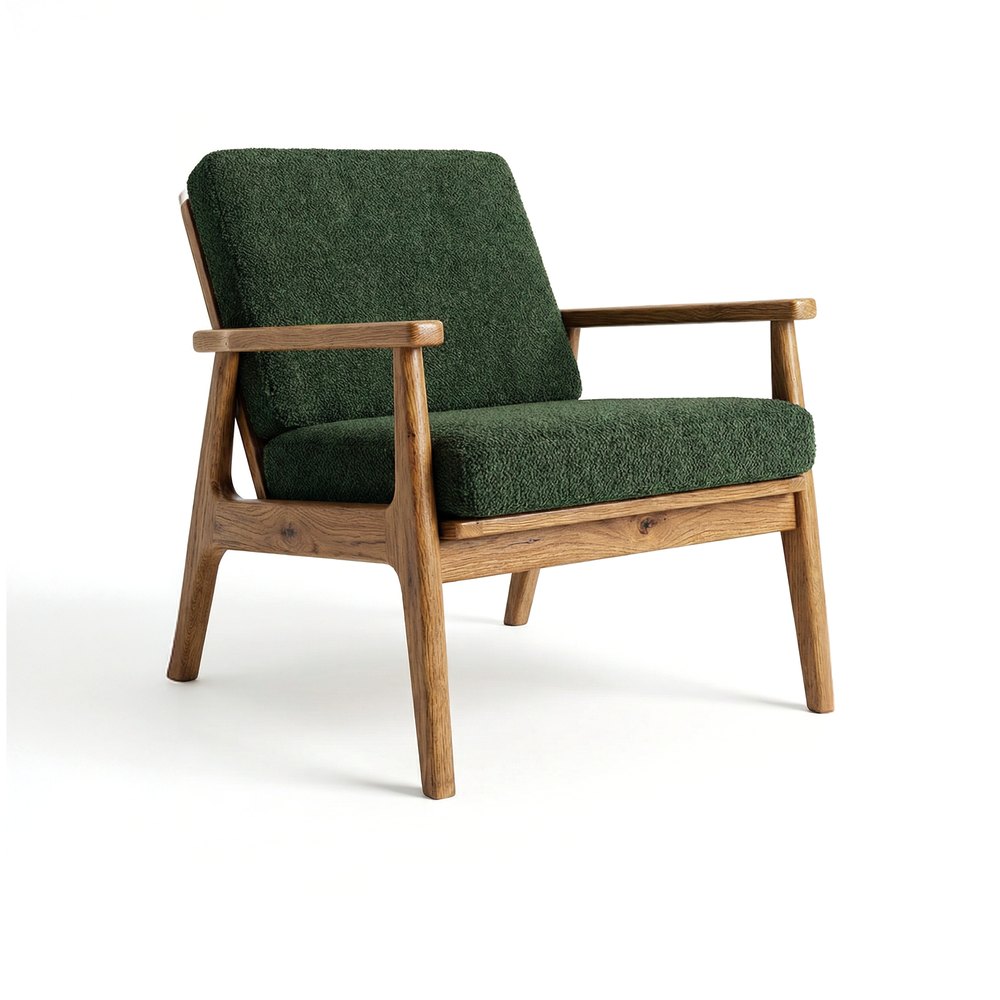 PACKSHOT
Styles
Choose a packshot and a style, and Sopla creates a photo of the piece in a new interior. There are 17 styles, including MODERN, AUTUMN, INDUSTRIAL, SCANDINAVIAN, OLDTOWN, URBAN and the seasonal WINTER and WINTER+XMAS. Add the ratio, lighting and shadows. The piece keeps the shape, colour and texture from the packshot. Step by step: furniture lifestyle photos from a packshot.
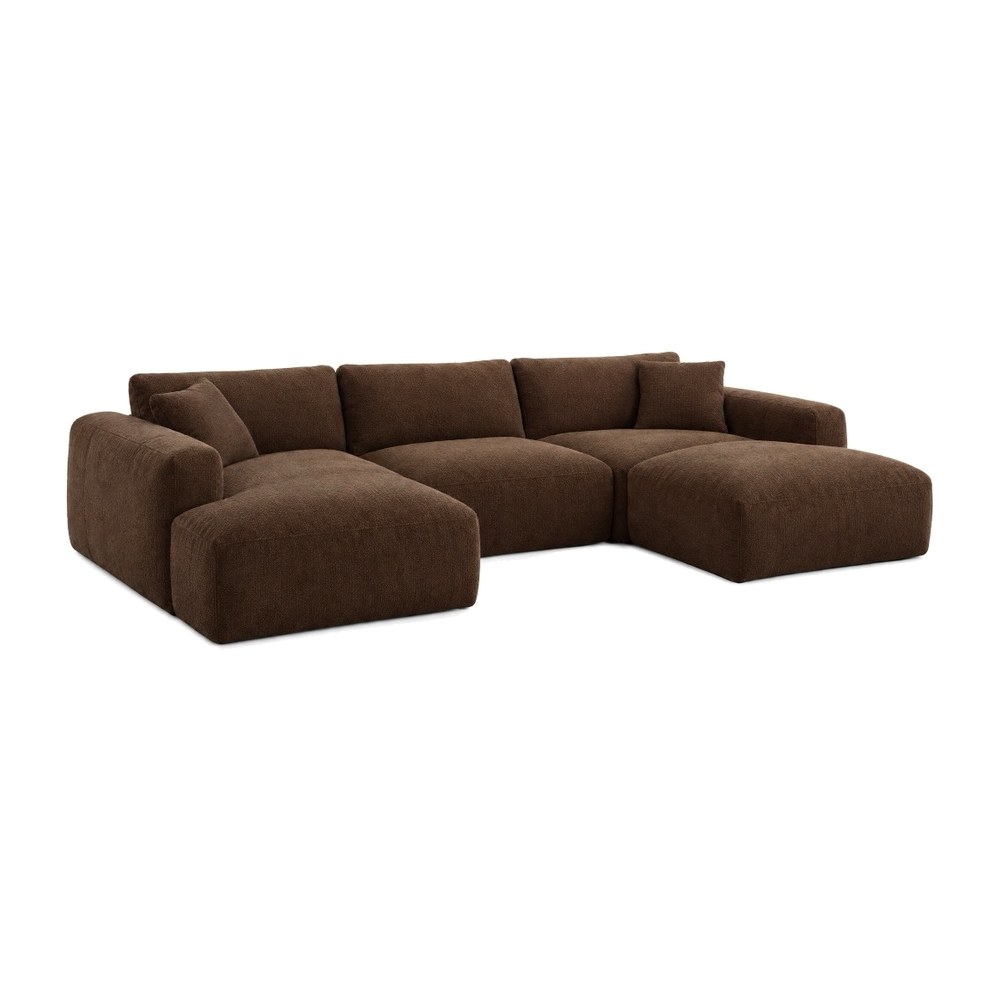 PACKSHOT
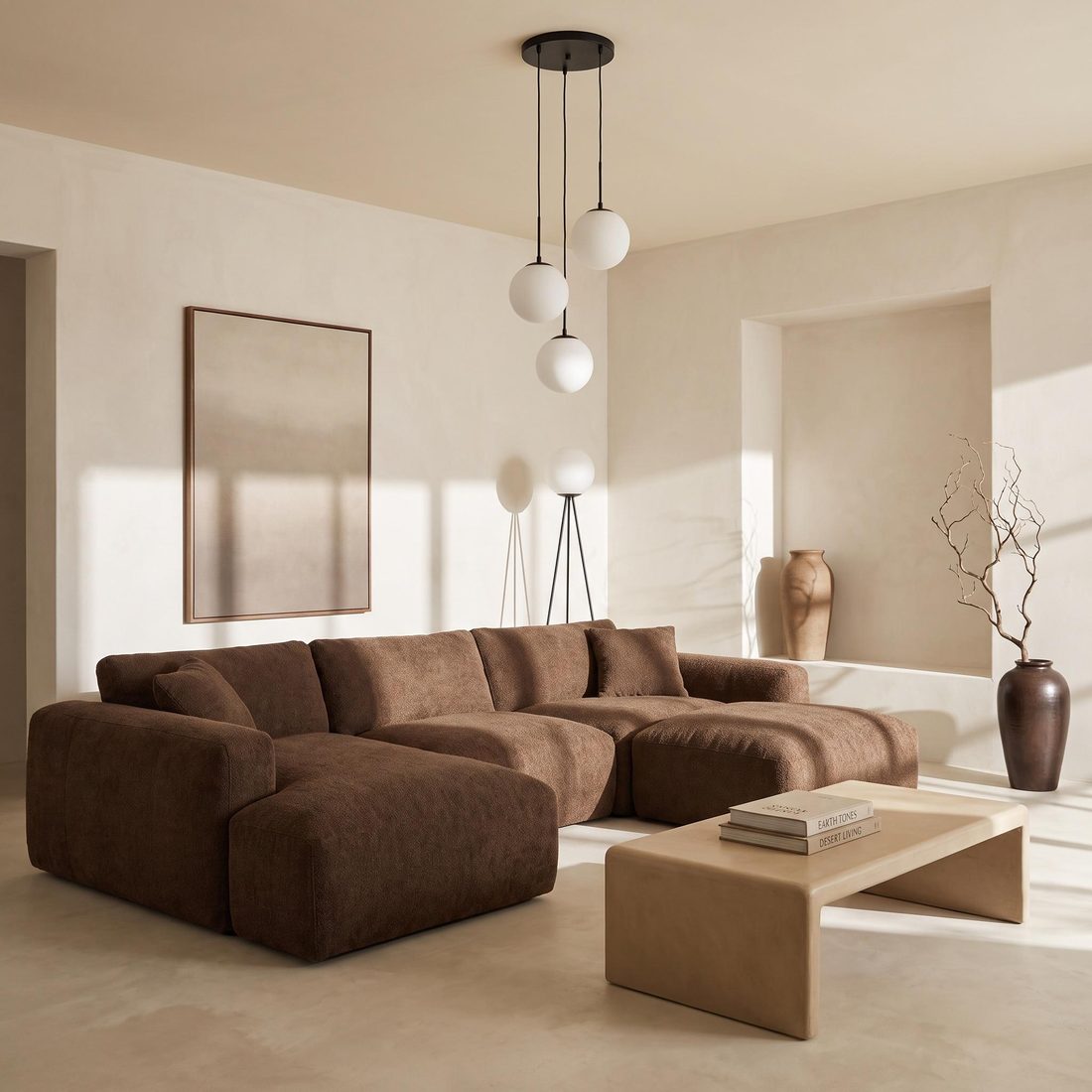 WARM MINIMAL
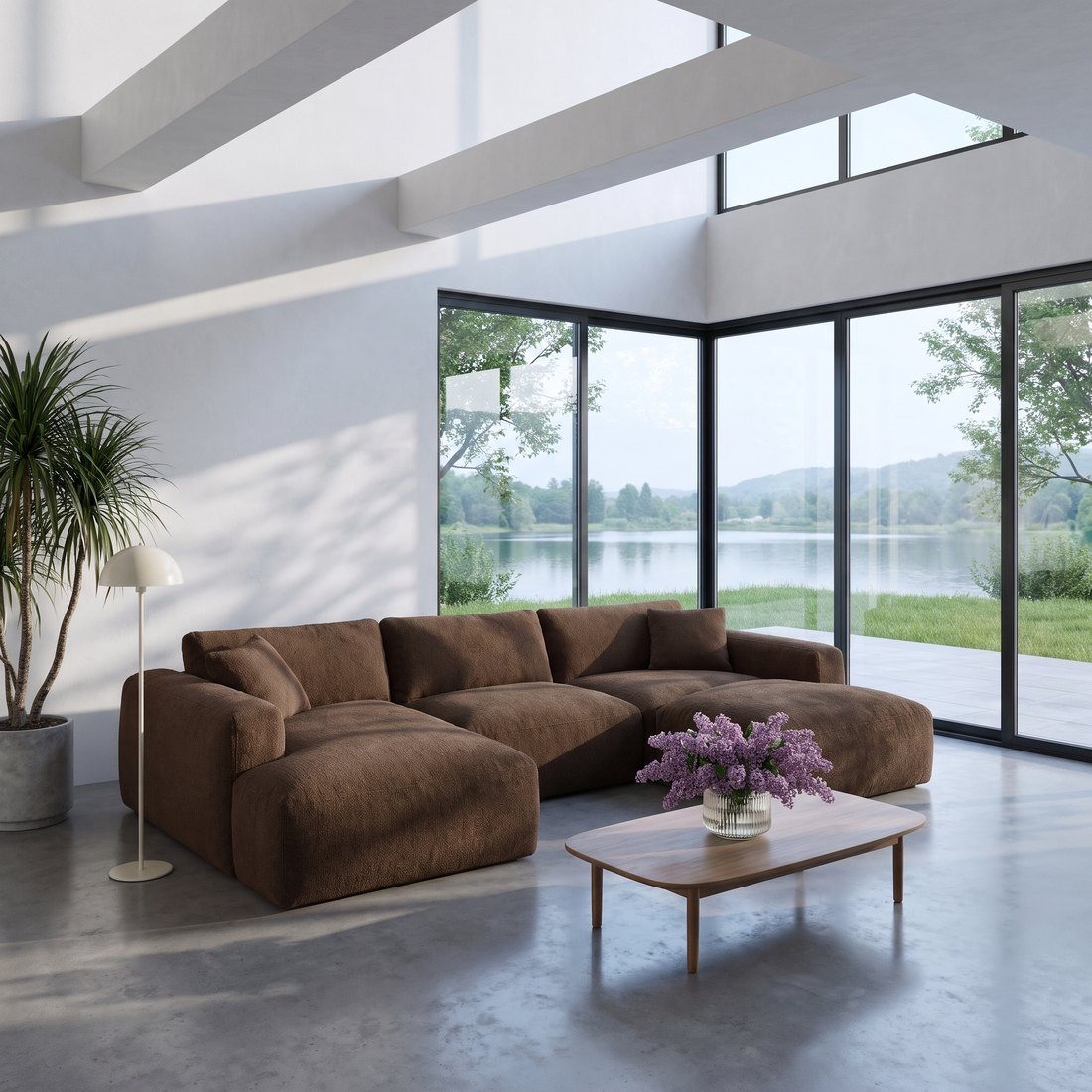 MODERN
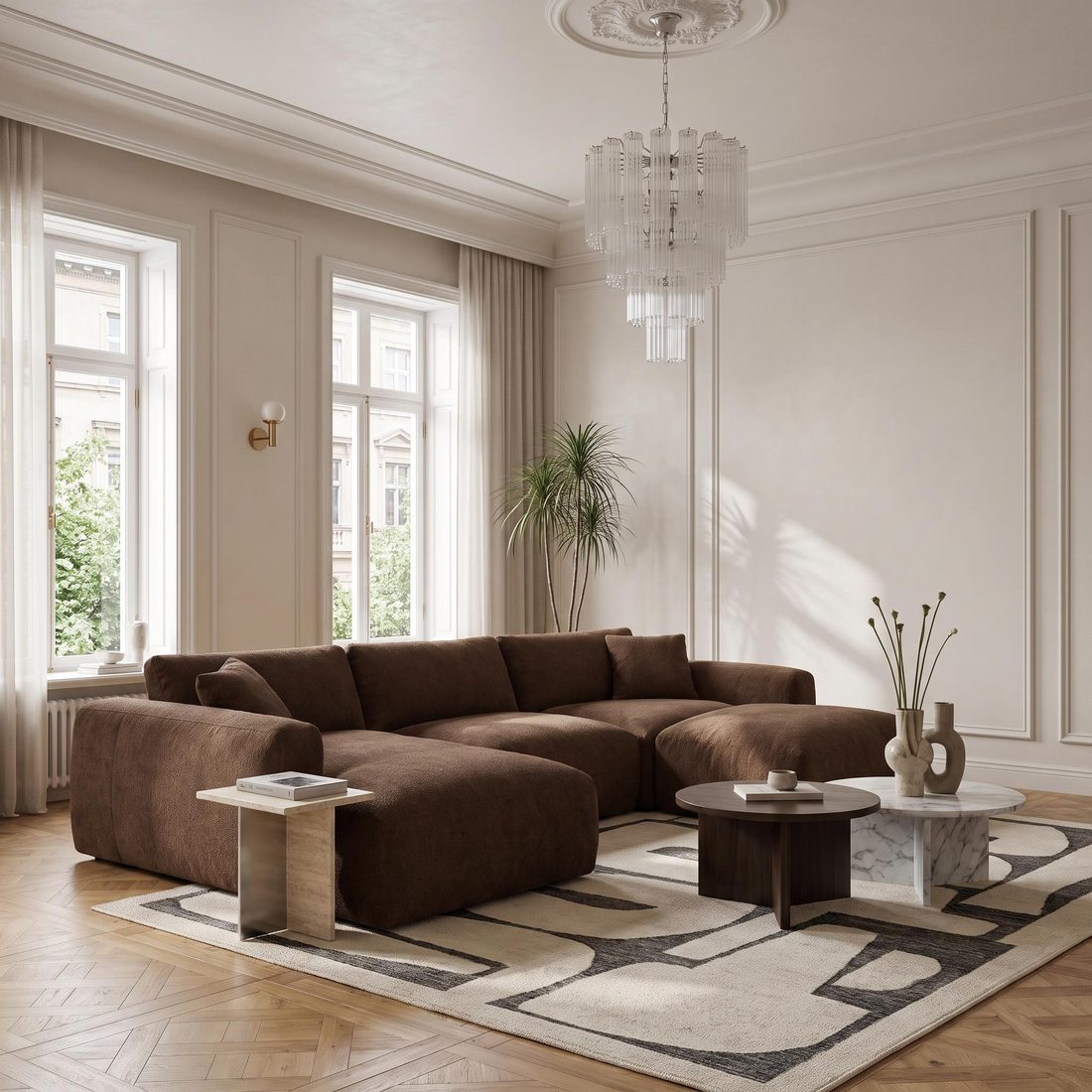 OLDTOWN
Photo batch
The NEW BATCH button gathers many pieces in one table. You assign styles, ratios and settings to each piece, one by one or to a whole group at once, and order the whole collection with a single click: up to 50 pieces and 200 photos. Details and a tutorial: furniture photo batch.
Add people
On a finished photo, choose who should appear in it. There are 13 scenes: family, friends, kid, kids, girl, boy, female and male model, a person in motion, office workers, a crowd in the background, a cat and a dog. People show the scale of the piece and how it is used.
Make video
Choose a photo and a format, and Sopla turns it into a short product video: one shot of 5 or 10 seconds, three 5-second shots (wide, close-up and medium) or a shot with people. Download the video right away for your product page, reels and ads.
Changes to a finished photo
Edit decor
Describe the change in your own words or add a reference photo: a new painting on the wall, a sage green wall, other lamps, golden hour outside the window. The piece stays the same, and the room around it changes.
Variants
Add a packshot of another version of the same piece, and Sopla swaps it into the same interior and framing: the sofa unfolded, with the storage open, in another upholstery, or another model from the same range. Sopla recognises what kind of variant it is and suggests how to use it.
Zoom
Select part of the photo, and Sopla creates a sharp close-up of the detail: a seam, a leg, a fitting, the texture of the fabric. Close-ups answer questions about build quality before the customer asks them.
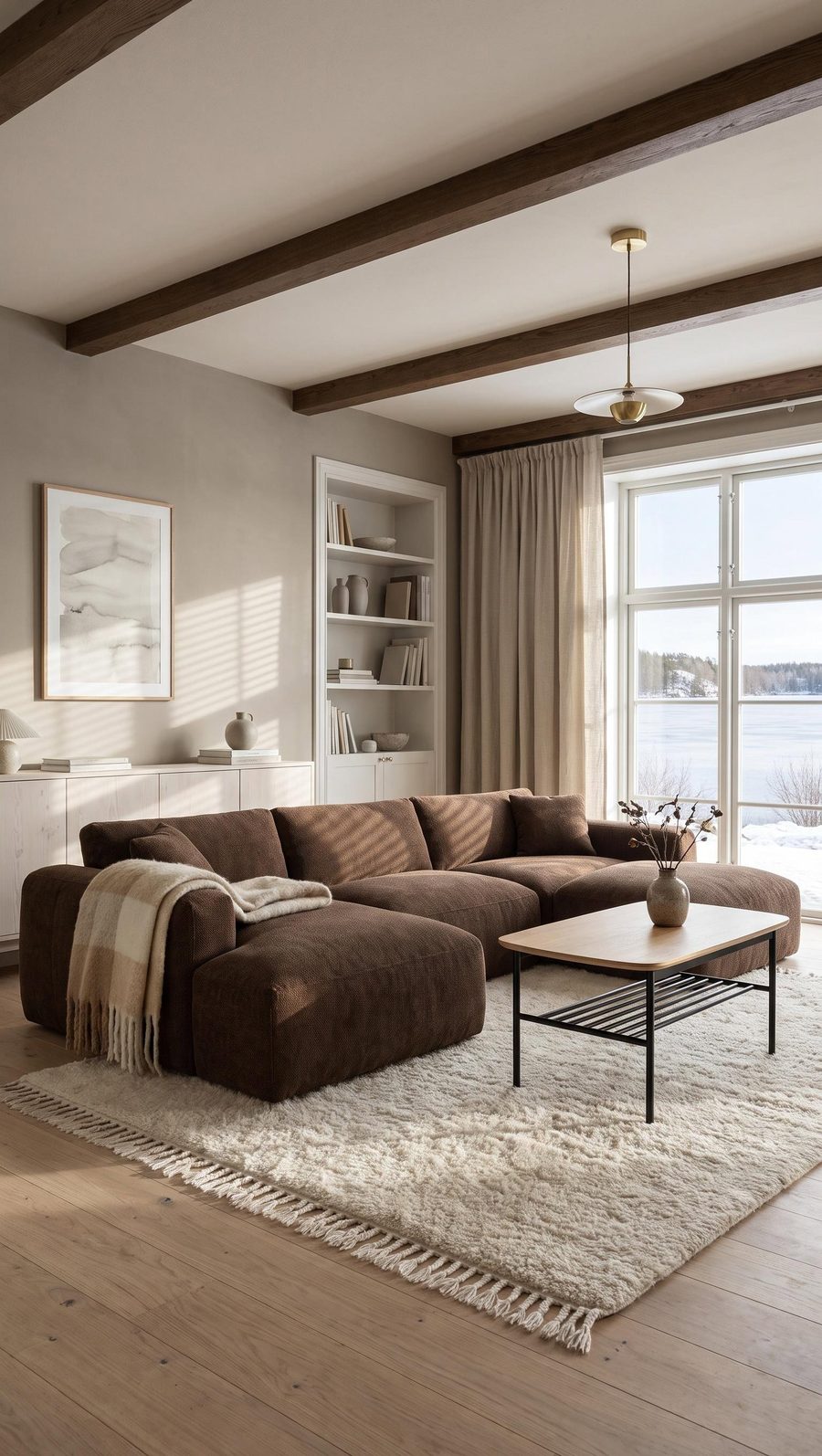 WINTER
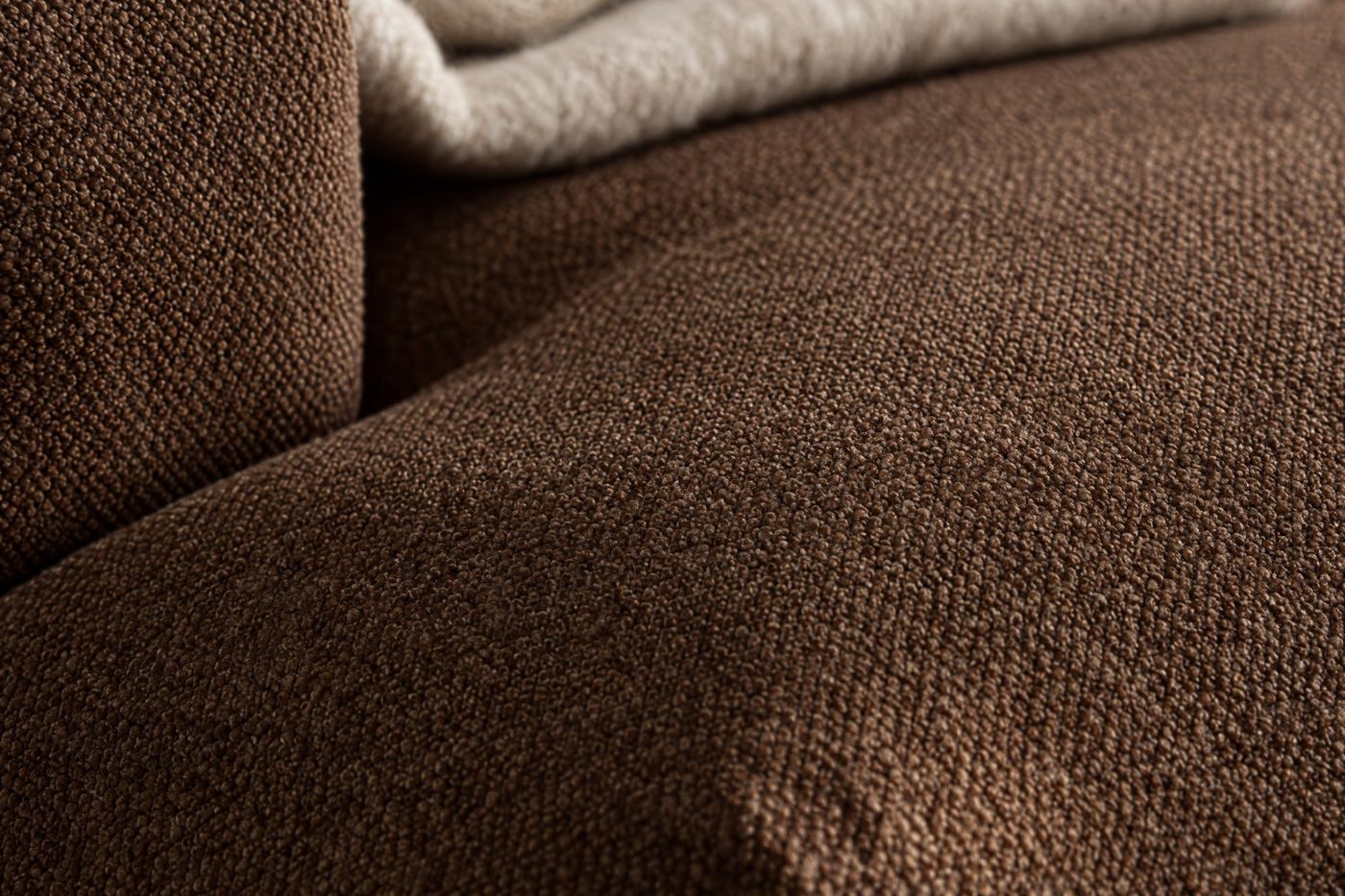 ZOOM
Save interior
Choose what to remove from the photo, and Sopla keeps the empty room. You can then furnish it with any piece, so a whole collection can have photos in one consistent interior. You can change the decor of a saved interior, for example the floor with a material sample, and instead of saving a room from a photo you can upload a photo of your own interior, such as your showroom.
Color & material
Upload up to 5 fabric samples, set the pattern scale and see the piece in each upholstery. Pick a colour from the palette or enter its RAL or HEX code. Each colour and each material is a separate photo in the same framing.
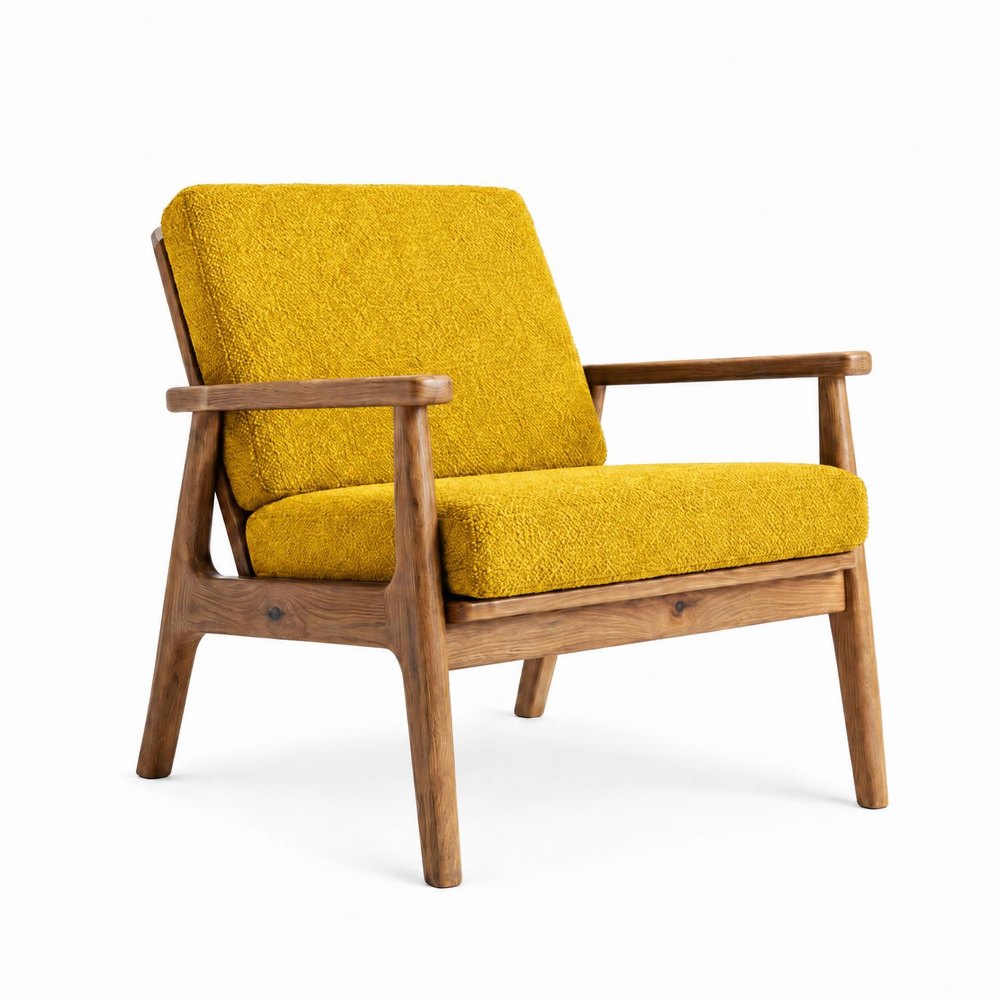 COLOR
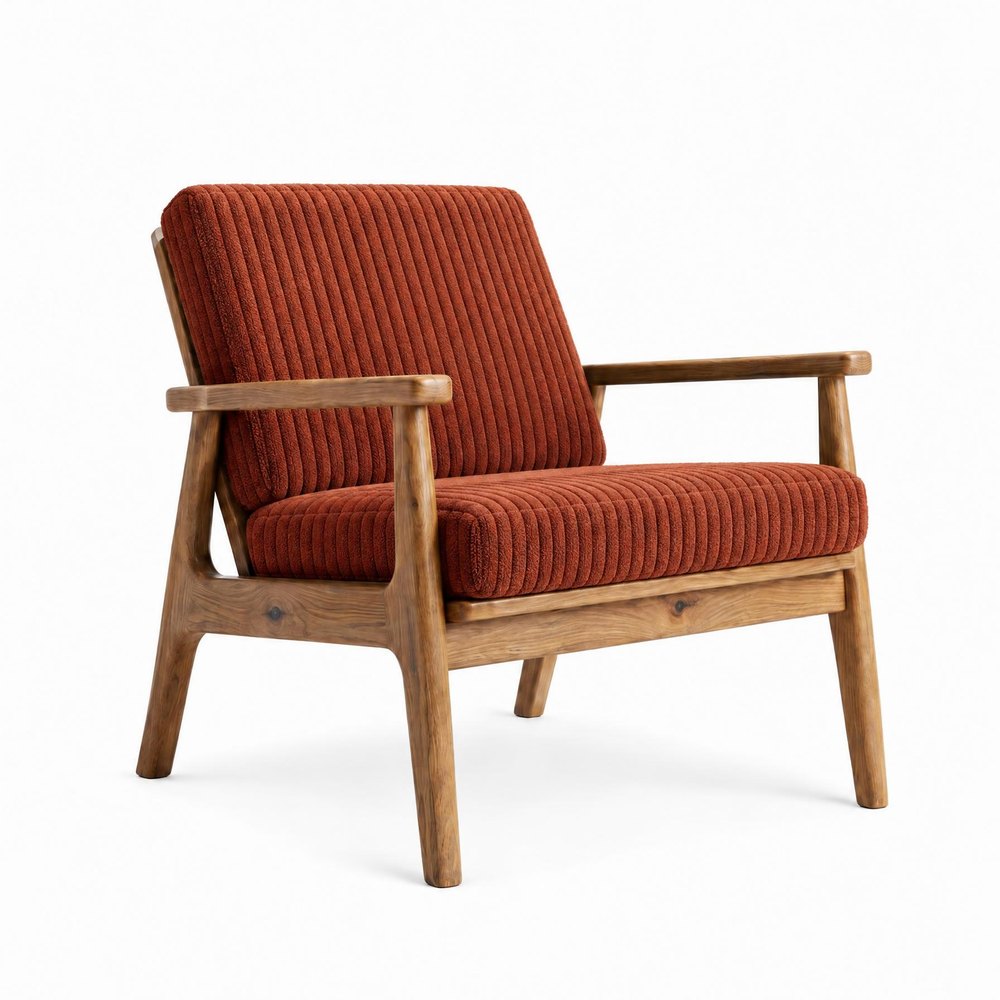 MATERIAL
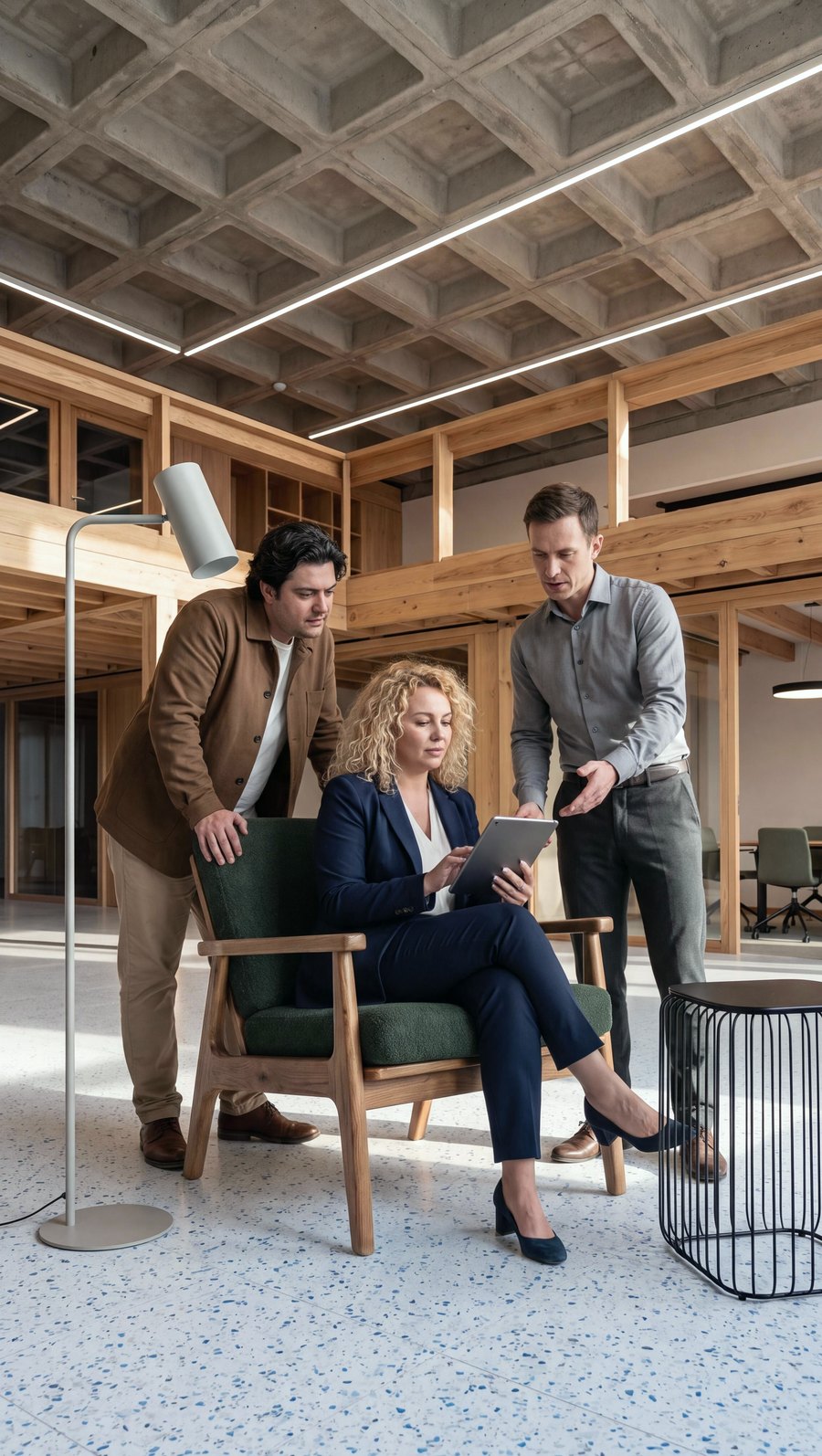 PEOPLE
Angle
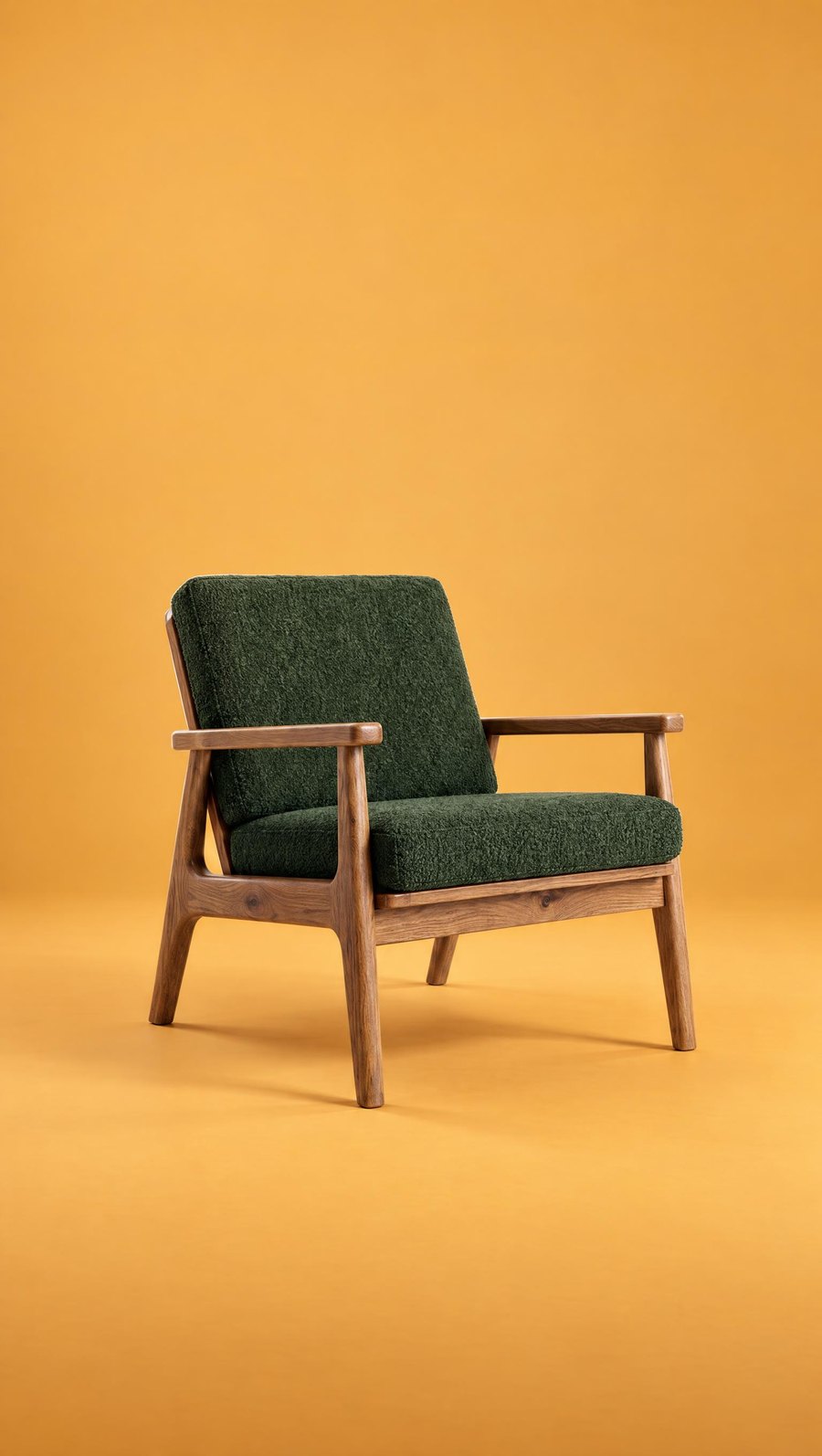
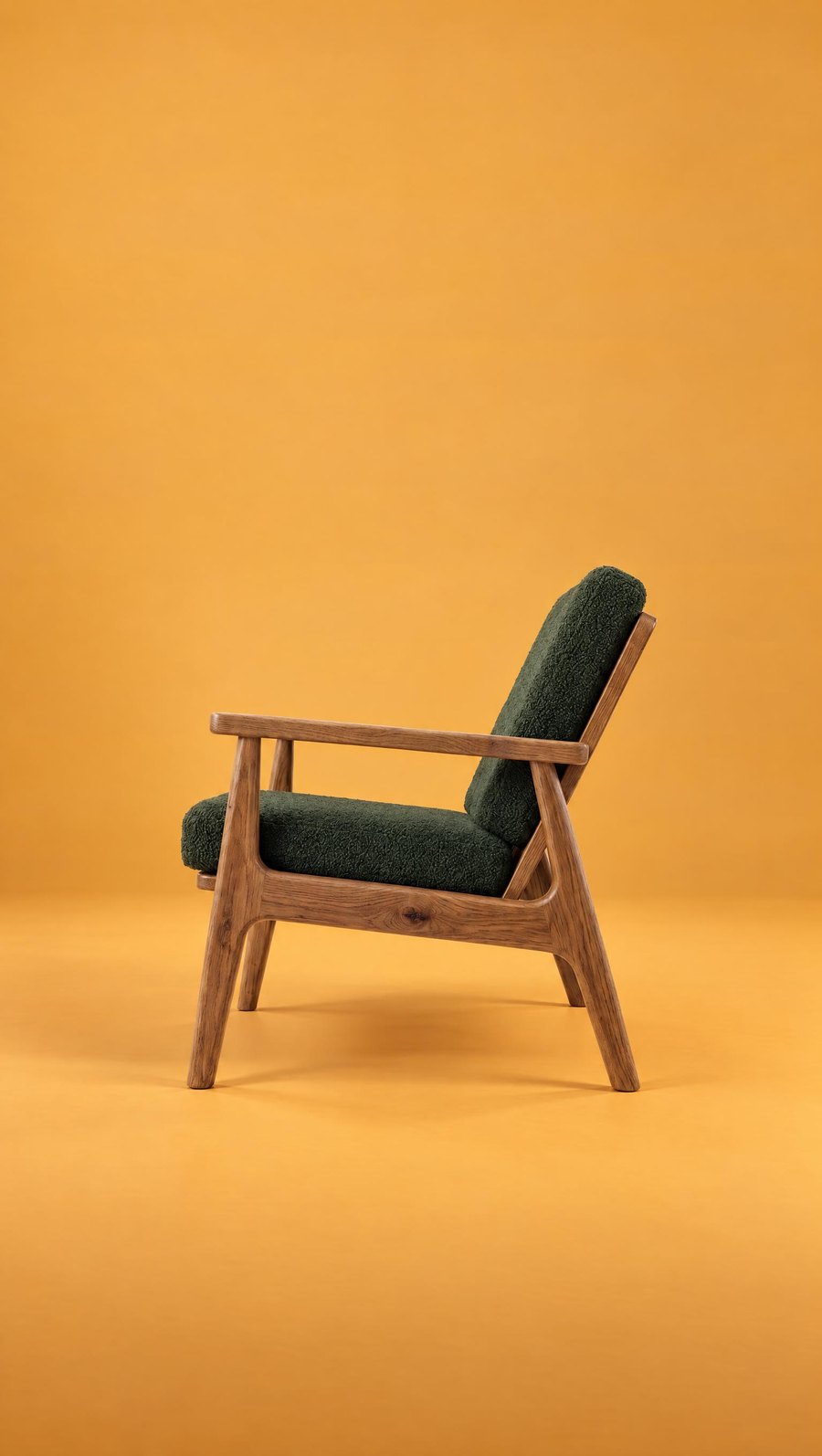
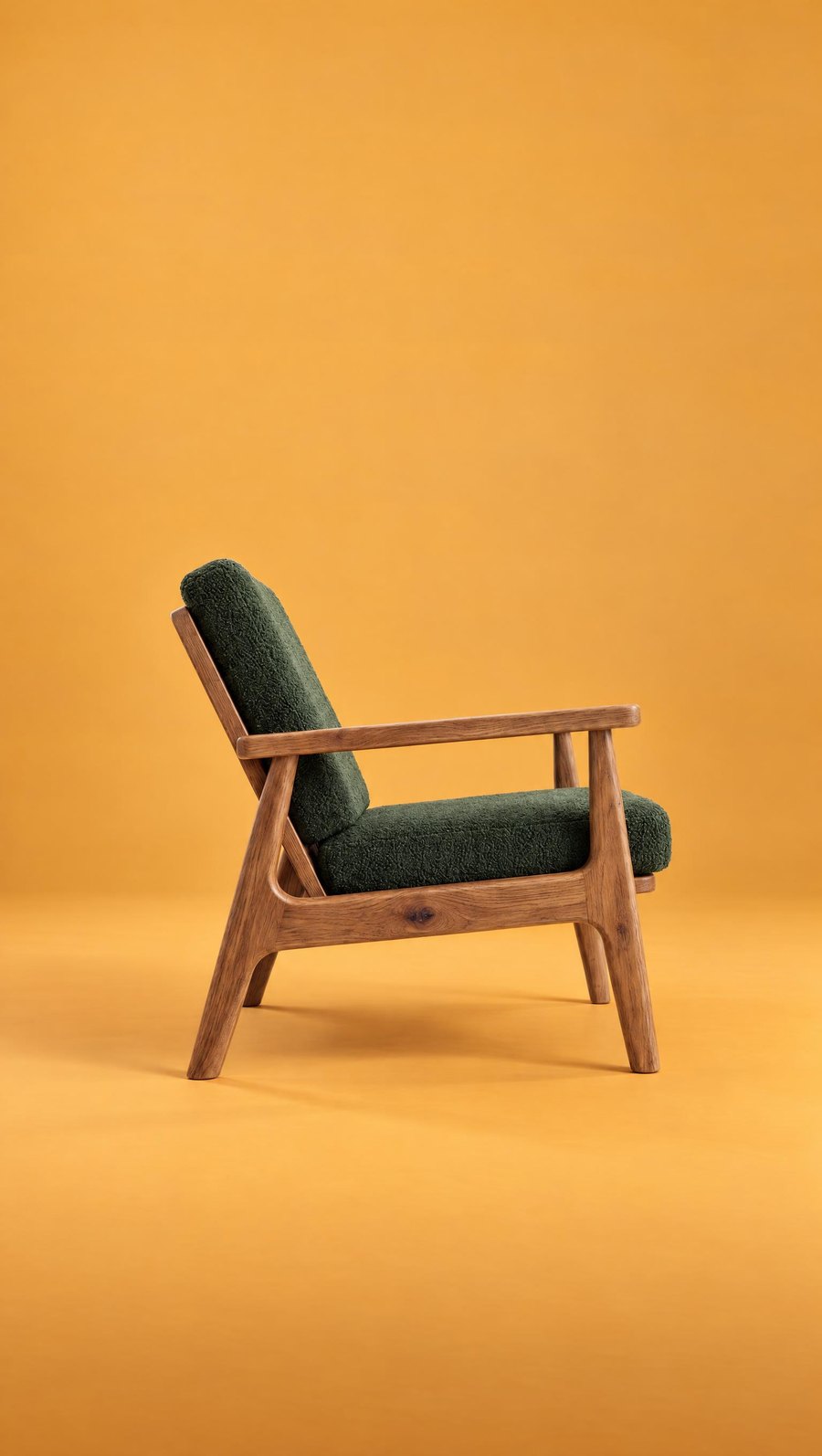
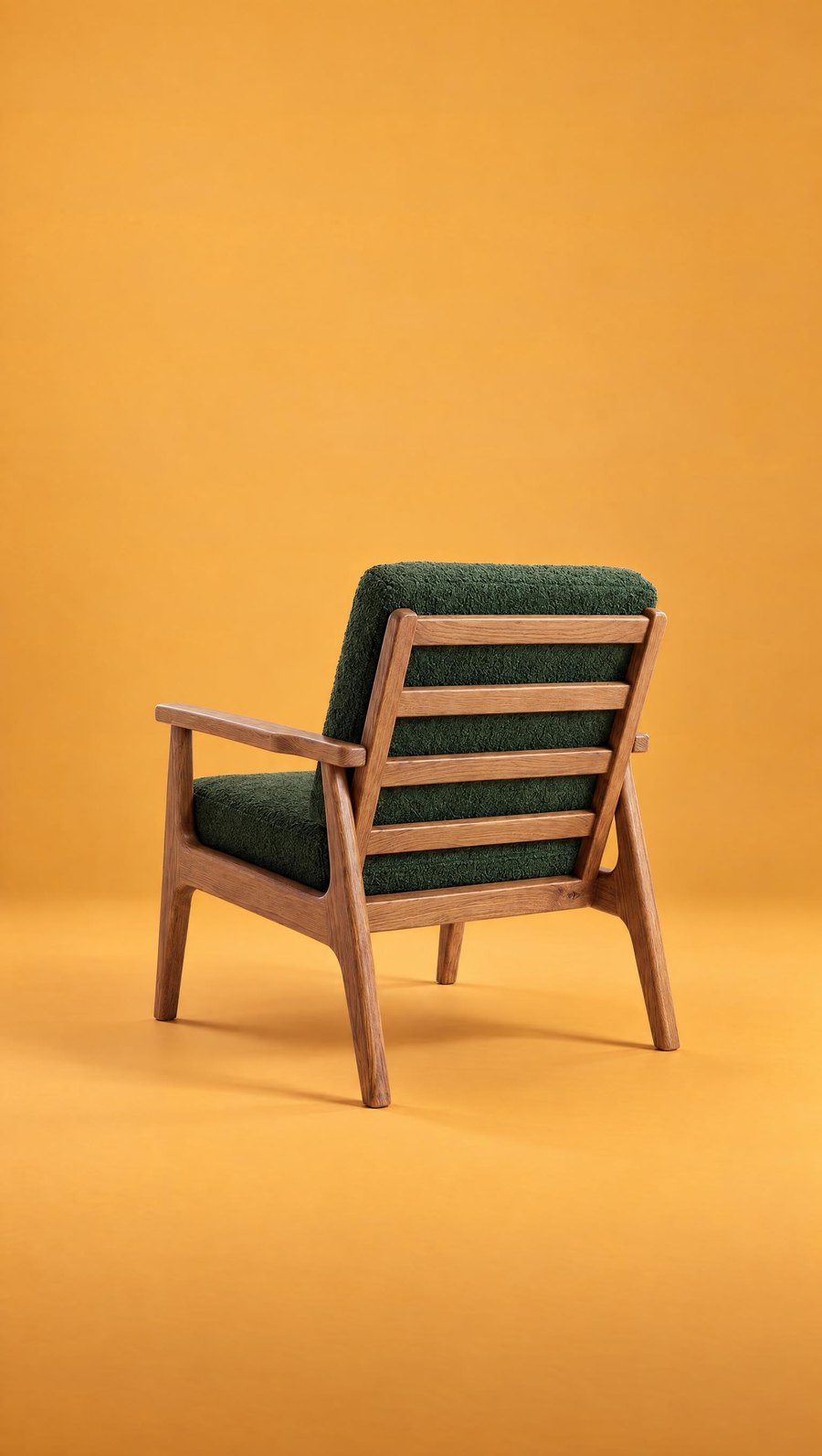
Add a photo of the piece from another side, and Turn the piece rotates it exactly where it stands. Turn the room moves the camera and shows the same room from another point of view.
 CONTRAST
 ANGLE
 ANGLE
 ANGLE
Format, quality and download
Ratio
Draw a frame in a new format, and Sopla fills in the rest of the room. From one photo you get 9:16 for reels, 4:5 for posts, 1:1 for your shop and 16:9 for a website header. The formats shops and marketplaces ask for are covered in furniture photos for Amazon, Wayfair and other marketplaces.
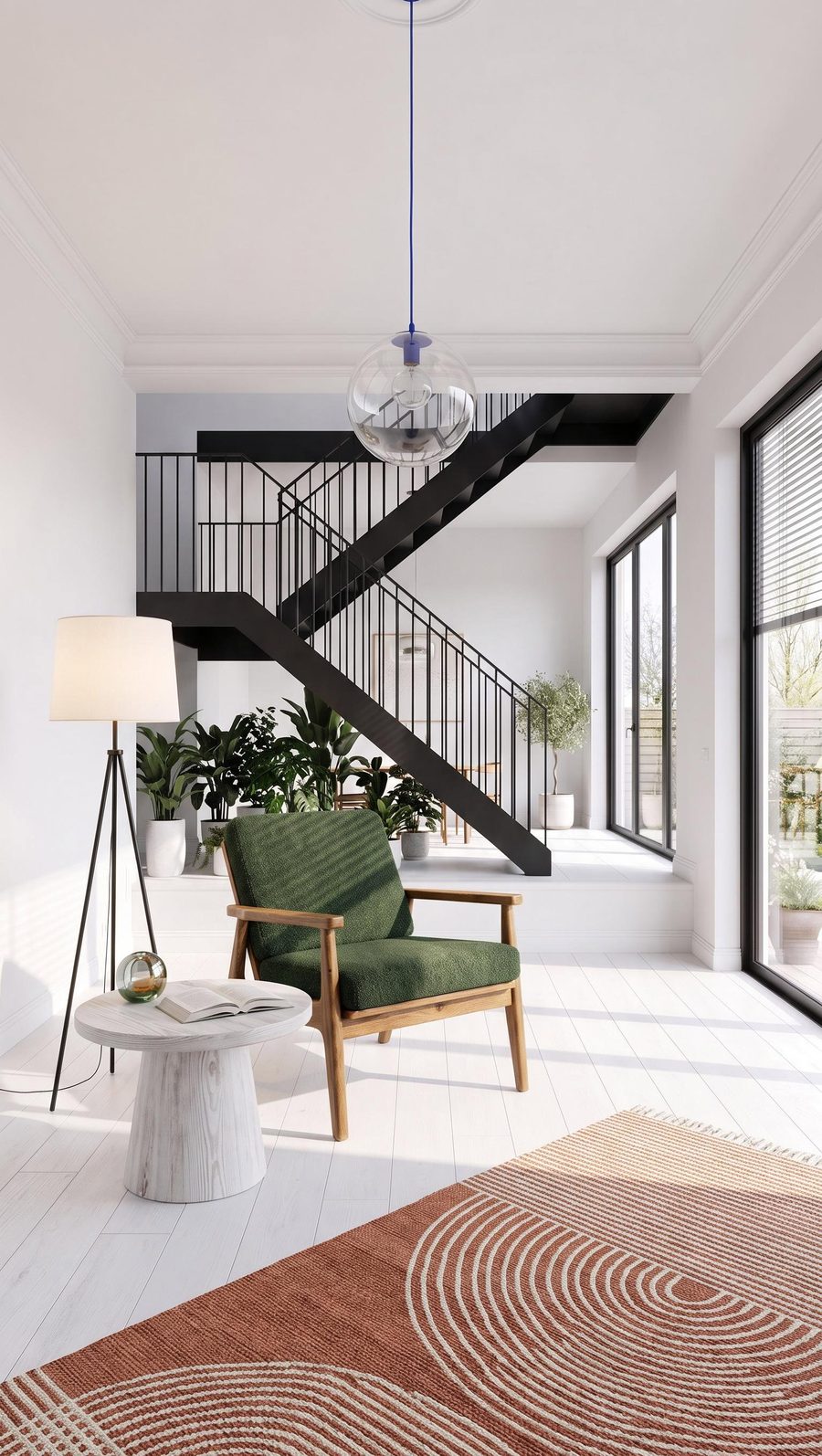 9:16
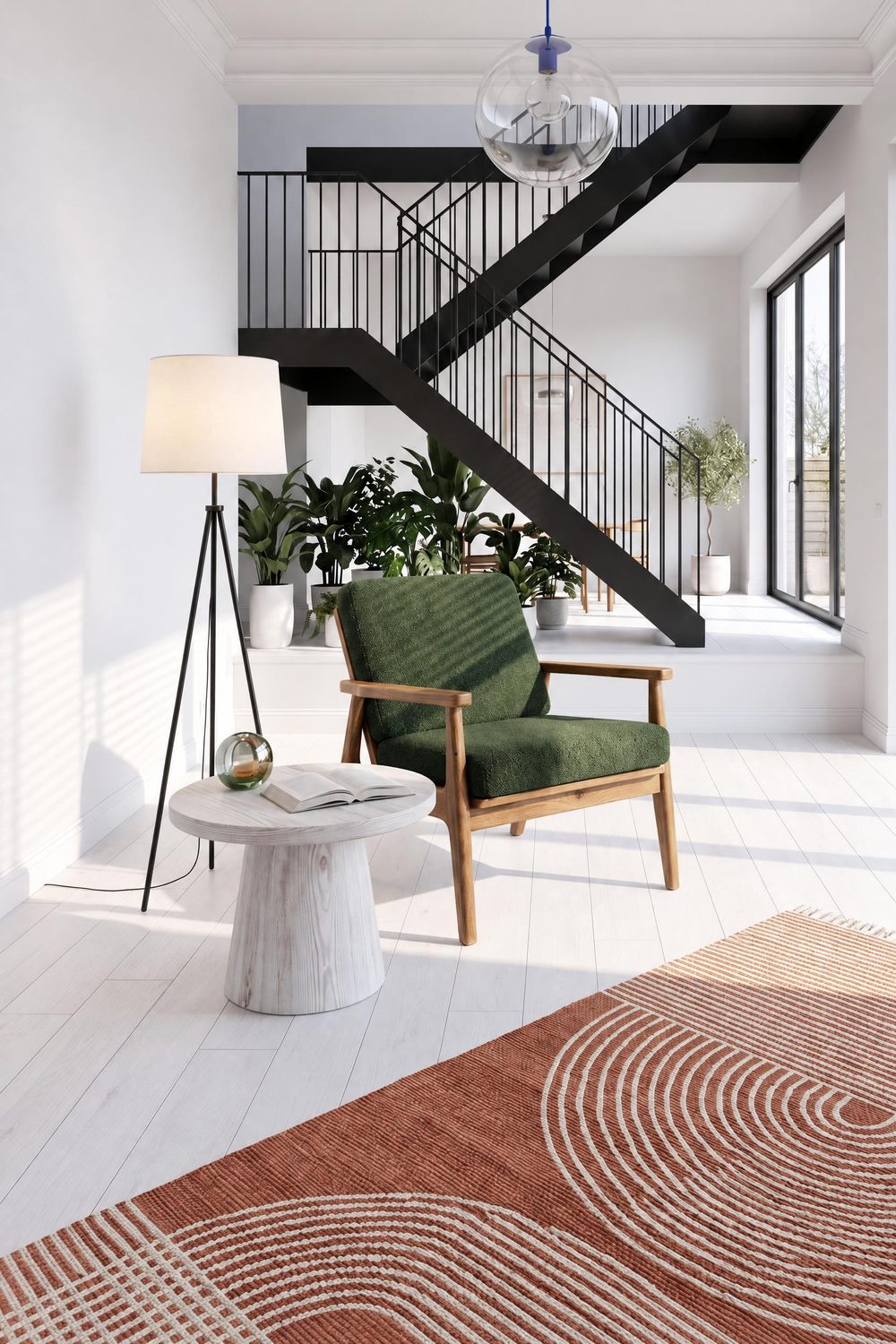 2:3
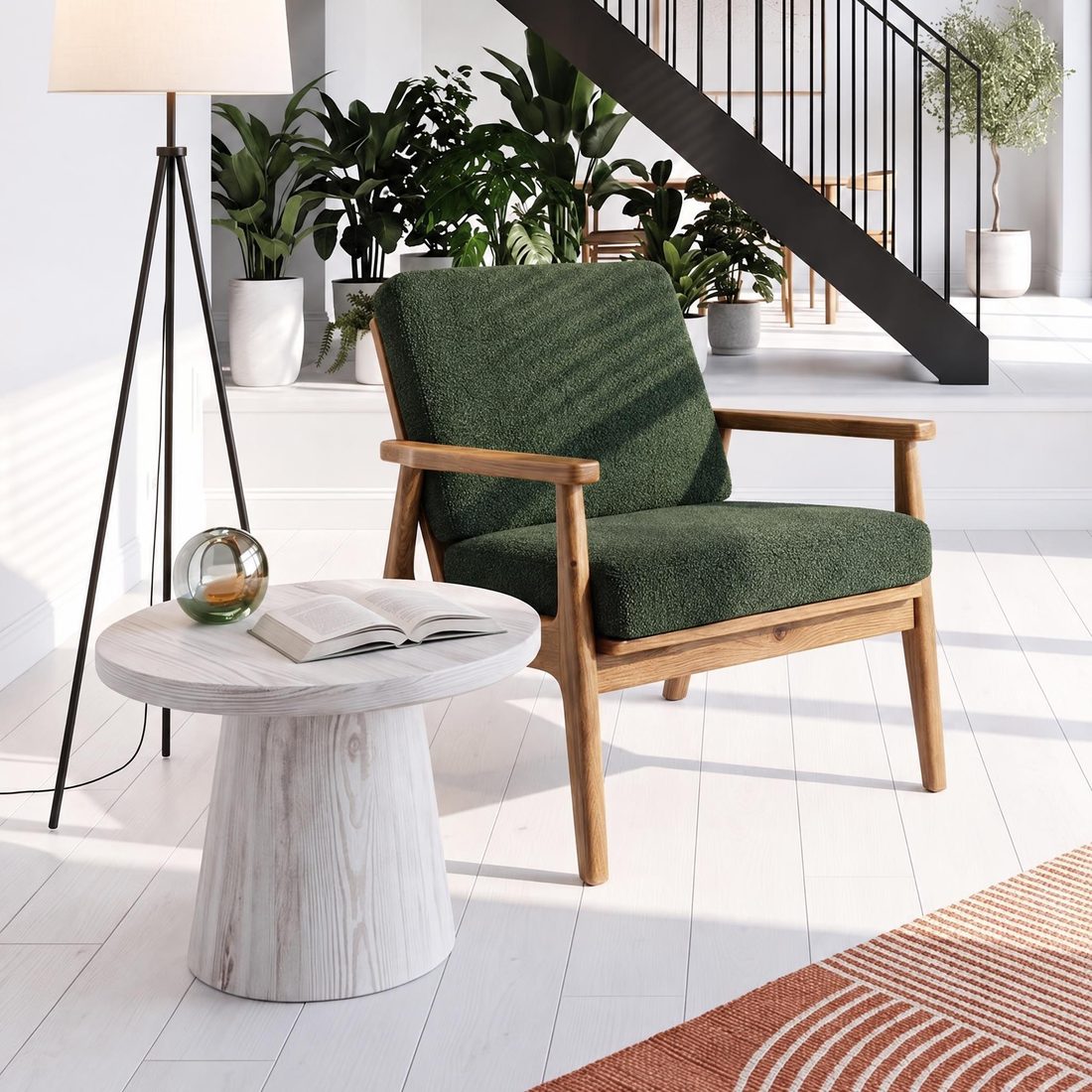 1:1
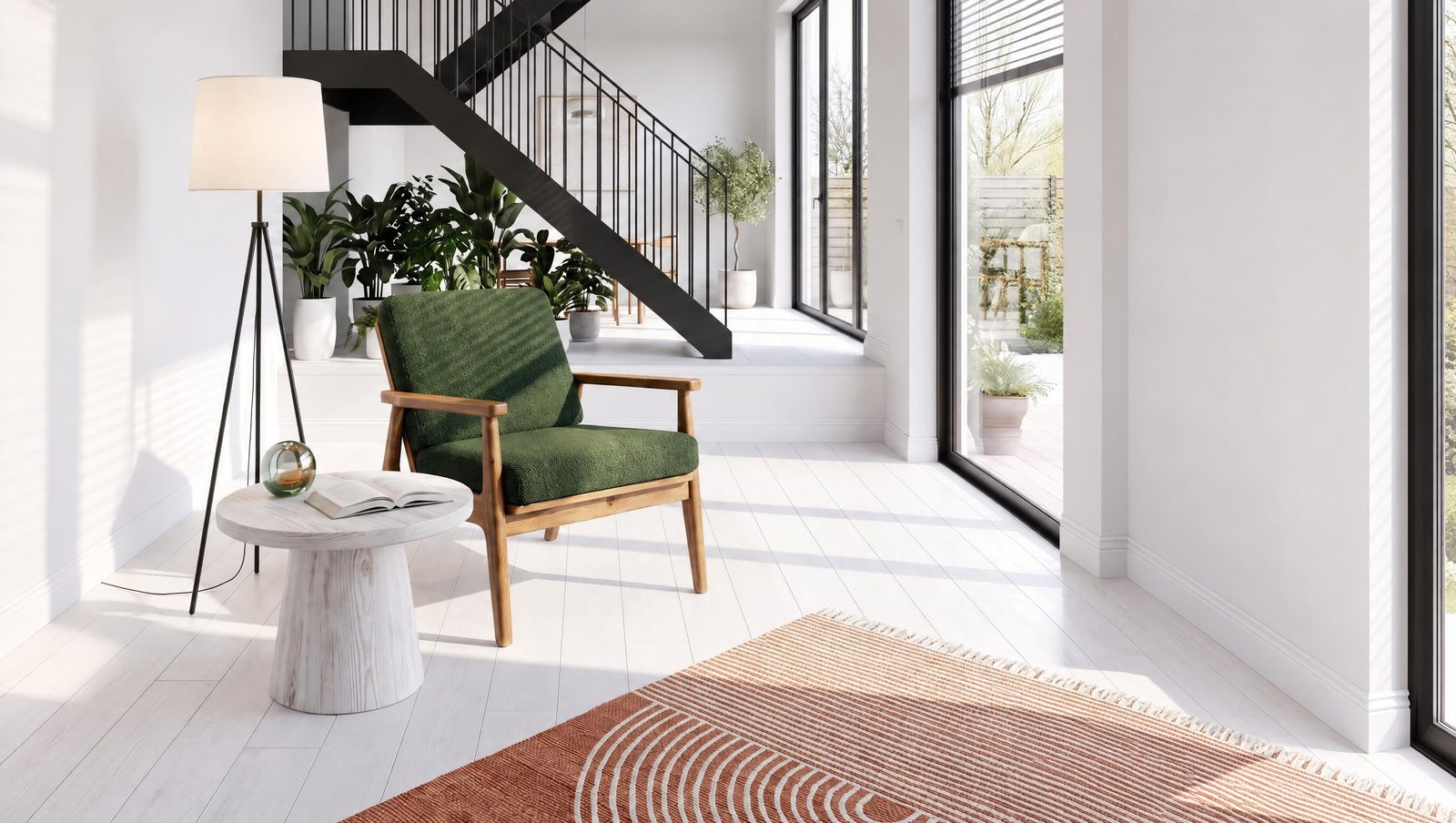 16:9
Resolution
Download a photo in 4K, sharp enough for a catalogue and for print, with every texture clearly visible.
Dimensions
Drag a line, type the measurement and download the photo with the dimensions drawn on it, using DOWNLOAD WITH DIMENSIONS.
Adjust
Fix the light and colour, try a ready-made preset, crop or flip the photo and download it in high quality. The editor is built into the app, with no separate software.
Frequently asked questions
What do I need to get started?
One photo of your furniture. It can be a packshot from a photographer or a phone photo, which Sopla turns into a packshot on white.
Are all the tools from the video in the app?
Yes, all 15 tools from the video are available in the app, on every plan.
Which languages does Sopla work in?
Six: English, Polish, German, French, Italian and Spanish. The video and its subtitles are available in each of them.
How long does it take to create a photo?
A photo is usually ready in about a minute. Videos and larger batches take longer, and you can close the page in the meantime.
Will the furniture in the photo look like mine?
Sopla takes the shape, colour and texture from the packshot. Compare each photo with the packshot: the angle of the piece or a detail can differ a little, and you can fix such a shot with the ANGLE edit or create it again.
How much does it cost?
Sopla works with credits in a monthly plan. Prices of photos, edits and videos are in the pricing section.
Can I use Sopla on my phone?
Photos and videos are created on a computer, in the browser. On a phone you can choose a plan and manage your account.
Got a photo of your furniture? See what Sopla can do with it.