


The main image of a piece of furniture on Amazon is a packshot on a pure white background (RGB 255, 255, 255), with the product filling about 85% of the frame and no text, logos or borders. Lifestyle photos can be the main image only for a few product types, including sofas and beds. Walmart also asks for white, but lets large items such as furniture be shown in a setting. Size: 2048 px on the longer side is the safest choice, because it’s above every platform’s zoom threshold and in line with the 2000 × 2000 px that Wayfair recommends. In the gallery, marketplaces allow lifestyle photos, details and often dimensions. Below you’ll find the requirements of the platforms popular in the US and UK in one table, and a complete set of listing photos prepared in Sopla.app.
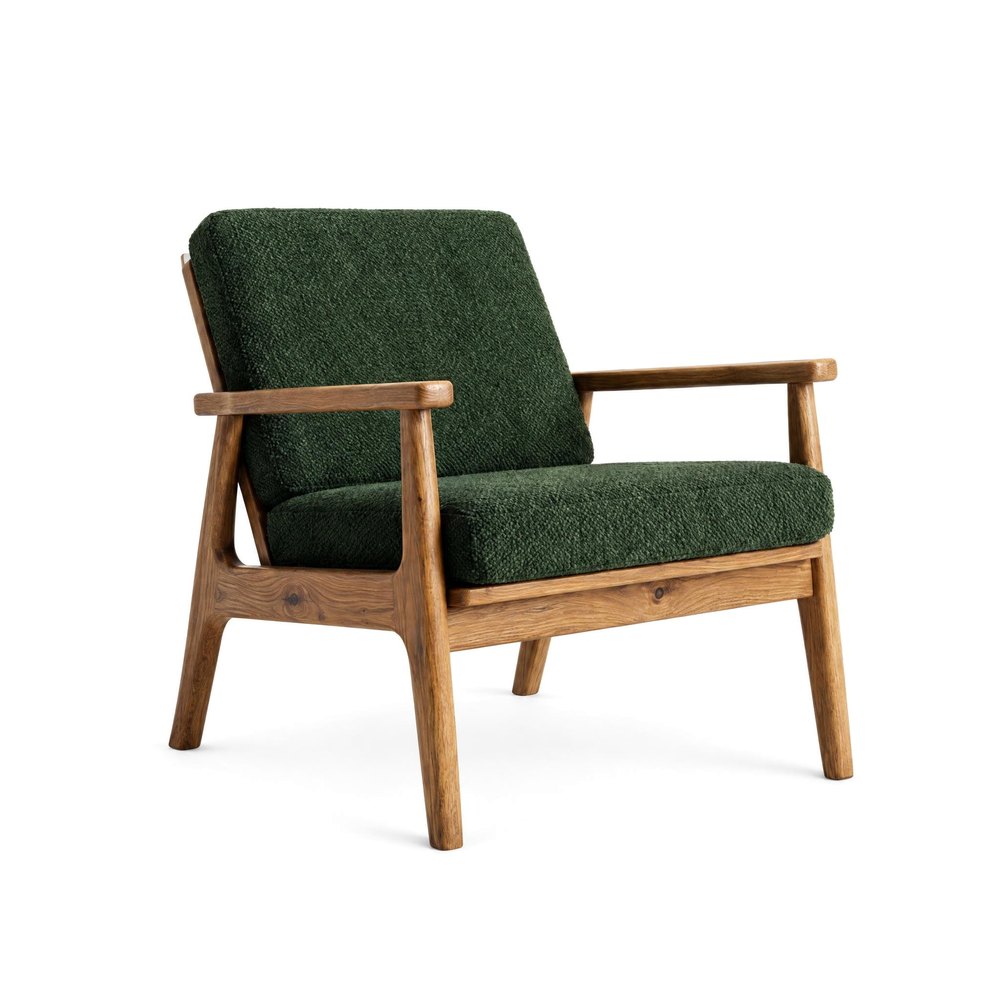 PACKSHOT
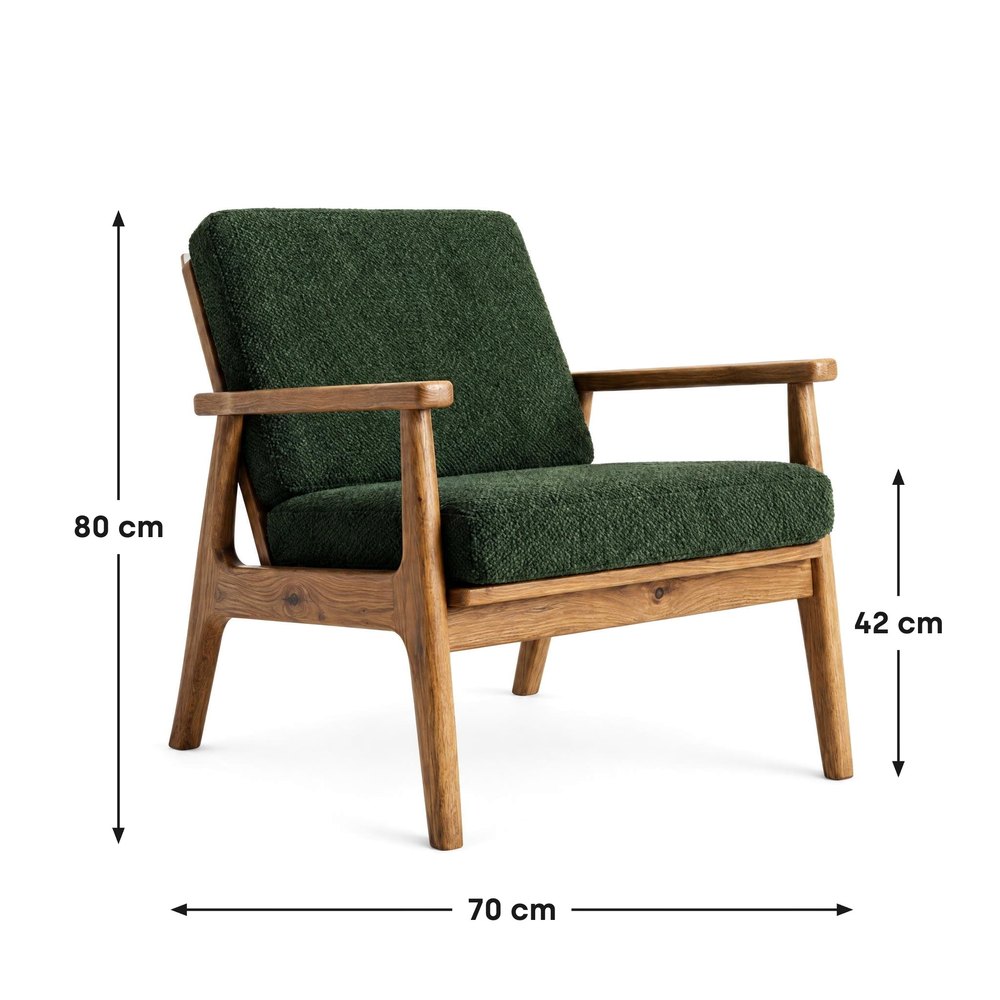 DIMENSIONS
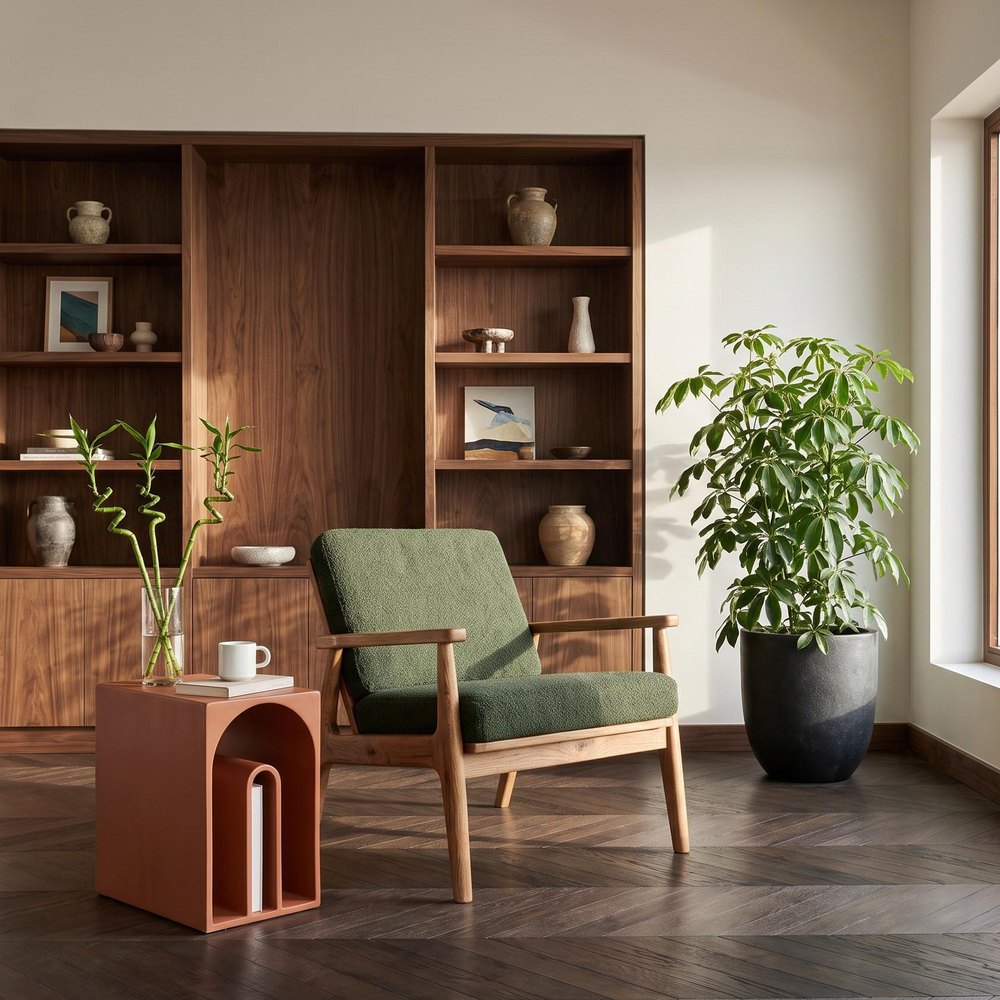 LIFESTYLE
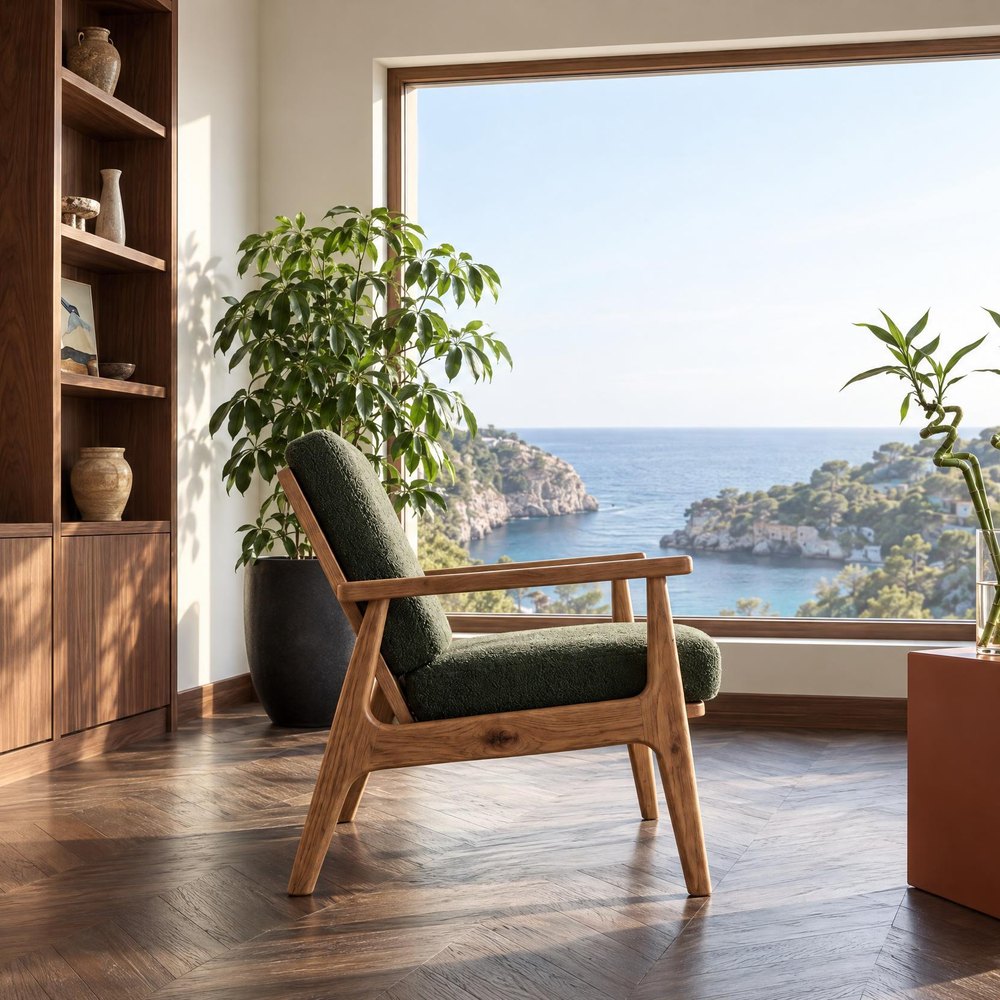 ANGLE
Main image and additional images: what’s the difference
Every marketplace splits listing photos into two groups and has different rules for each.
The main image appears in search results next to competing listings. That’s why the rules are strict: a white background, the whole piece in frame, one item, no text or graphics. It can also affect where your listing shows up: Etsy, for example, places listings lower in search when the first photo is smaller than 635 px.
Additional images make up the gallery on the product page. Here you have more freedom: any background, the piece in a furnished room, close-ups of the material, other sides of the piece and, on many platforms, dimensions. These are the photos that answer the buyer’s question of how the piece will look in their home.
| Main image | Additional images | |
|---|---|---|
| Background | White RGB 255, 255, 255 | Any: a room, a studio background, white |
| What it shows | The whole piece, one item | Rooms, details, other sides, dimensions |
| Text and graphics | Not allowed | Dimensions on many platforms, none on eBay |
| Shop logo | Not allowed | Best left out |
Marketplace image requirements in 2026
We checked the requirements on the seller help pages on 14 November 2026. Platforms change them from time to time, so check the current rules before a large upload.
| Platform | Main image | Size | Number of images |
|---|---|---|---|
| Amazon | Pure white RGB 255, product fills about 85% of the frame; lifestyle only for a few product types, including sofas and beds | Min. 500 px, zoom from 1000 px, max. 10,000 px | Recommended: 6 or more extra, plus a video |
| Wayfair | Recommended: a mix of white silo and room shots | Min. 1000 × 1000 px, 2000 × 2000 px recommended | 3 or more |
| Walmart | White RGB 255; large items such as furniture may be shown in a setting | Square 1:1, zoom from 1500 × 1500 px, 2200 × 2200 px recommended | At least 4 recommended |
| eBay | Any background; no borders, text or watermarks | Min. 500 px, about 1600 px recommended | Up to 24 |
| Etsy | No background rule; first photo landscape or square | At least 2000 px recommended, first photo min. 635 px | Up to 20 |
| Google Shopping | Product fills 75-90% of the frame, no promotional text or borders | Min. 500 × 500 px, about 1500 × 1500 px recommended | Up to 10 additional |
JPG and PNG files work on all of these platforms except Wayfair, which doesn’t list file types on its public pages. Amazon asks for RGB rather than CMYK, and Etsy for the sRGB colour profile. Walmart accepts files up to 5 MB, eBay up to 12 MB and Google up to 16 MB. The Google Shopping rules apply in Google Merchant Center, which shops use to send products to Google ads and free listings. Etsy also requires every listing to include at least one unedited photo of the actual item against a real background, so keep one original photo next to the ones you create.
In the UK, B&Q expects square images of at least 500 × 500 px, and OnBuy’s listing API accepts images of up to 1000 × 1000 px, so OnBuy needs a smaller copy of your files. In the US, Target Plus is open by invitation only and prefers square images of 2400 × 2400 px.
The table gives you a simple rule: a square main image on a white background, 2048 × 2048 px, meets the requirements of every platform in it, including zoom on Amazon, Walmart and Google. That’s the size of Sopla photos in the standard 2K resolution.
A complete set of marketplace photos in 4 steps
Below we prepare a complete set of photos for one armchair: the main image, a photo with dimensions, lifestyle photos and details. The same approach works for a sofa, a table or a chest of drawers.
Step 1. The main image: a packshot on a white background
Have a packshot from a photographer on a pure white background? Use it as the main image. If the background is grey or uneven, or the photo was taken in a warehouse, click NEW PHOTO, upload the photo of the piece, open the STUDIO tab in the style step and choose PACKSHOT. Sopla removes the background and places the piece on exact white, RGB 255, 255, 255 (10 credits). Choose a 1:1 aspect ratio: a square is the safest option for thumbnails on every platform. Check the margin: on Amazon the piece should fill about 85% of the frame, and on Google Shopping 75-90%. We explain how to prepare a good packshot in our guide Furniture packshot.
Step 2. A photo with dimensions
The question buyers ask most often about furniture online is whether it will fit in their room. Open the packshot and click DIMENSIONS. Drag across the photo to draw a dimension line and type a number: Sopla adds the unit for you, for example “80 cm”, and you can switch to inches. Choose the label style, colour and text size, and if the piece stands close to the edge, add a margin. Click DOWNLOAD WITH DIMENSIONS: the JPG file has the full resolution of the photo. DIMENSIONS costs no credits.
A photo like this suits Wayfair, which lists dimensional images among its common image types, and Amazon, where the no-text rule applies to the main image. Add the photo with dimensions to the gallery, not as the main image. eBay doesn’t allow text on any photo, so there you put the dimensions in the listing description.
Step 3. Lifestyle photos and details
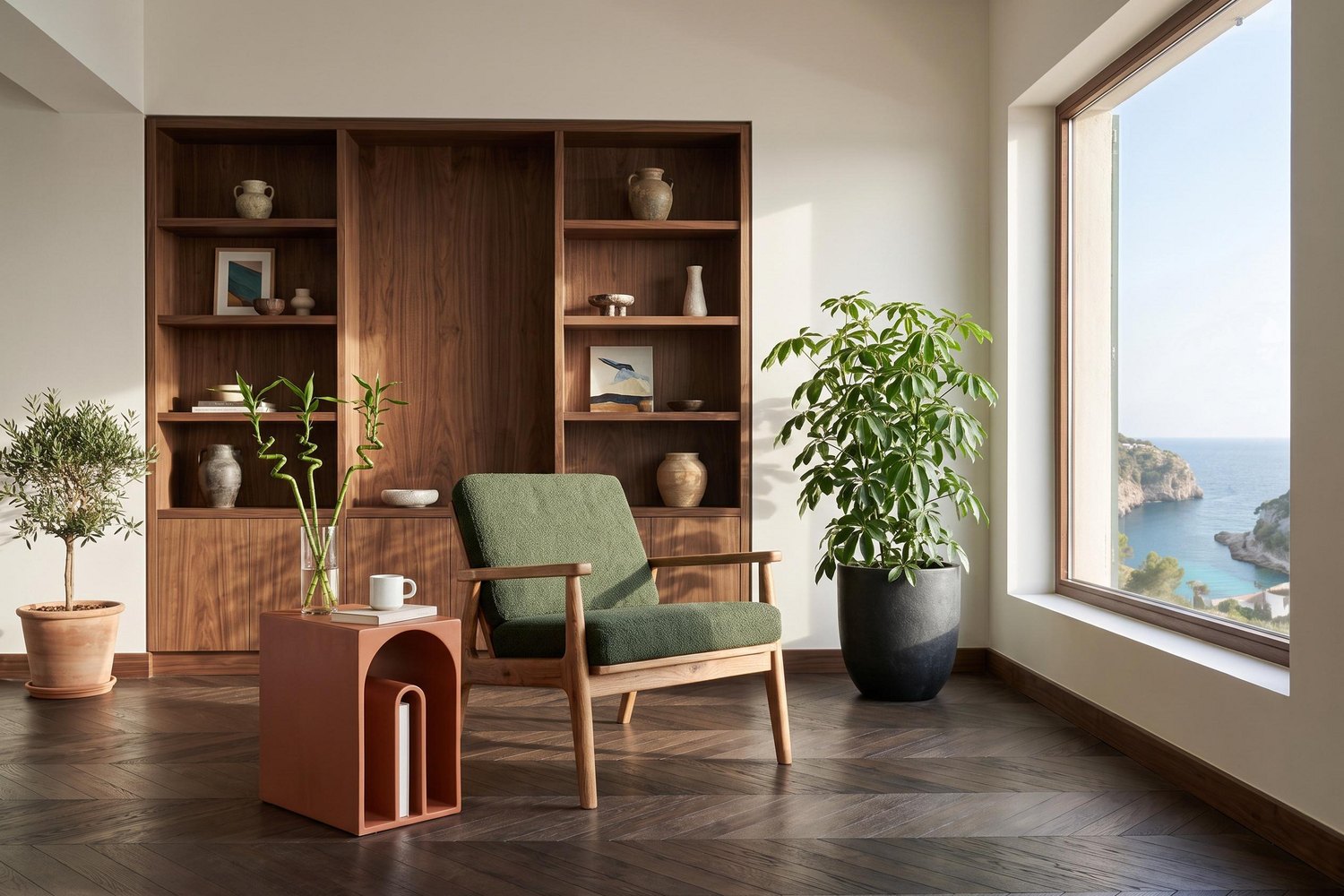
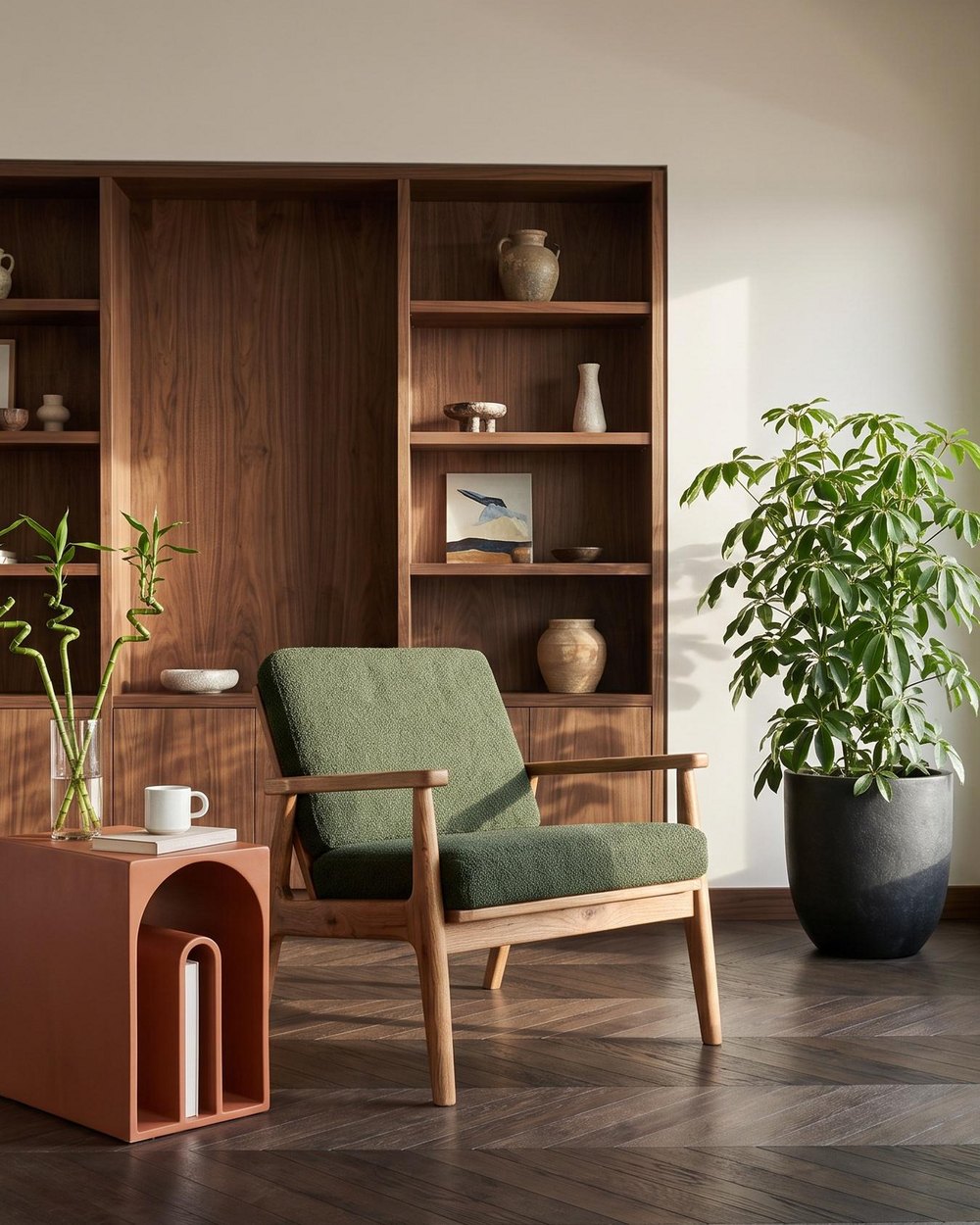
Create two or three lifestyle photos from the packshot in different interior styles, for example WARM MINIMAL, SCANDINAVIAN or OLDTOWN (10 credits each). You can show another side of the piece in the same room with the ANGLE edit, and the material up close with the ZOOM edit (5 credits each). A photo is usually ready in about a minute. Compare each one with the packshot: the angle of the piece or a detail may differ slightly, and then you simply create another photo with the same settings. We cover the whole process step by step in our guide Furniture lifestyle photos from a packshot.
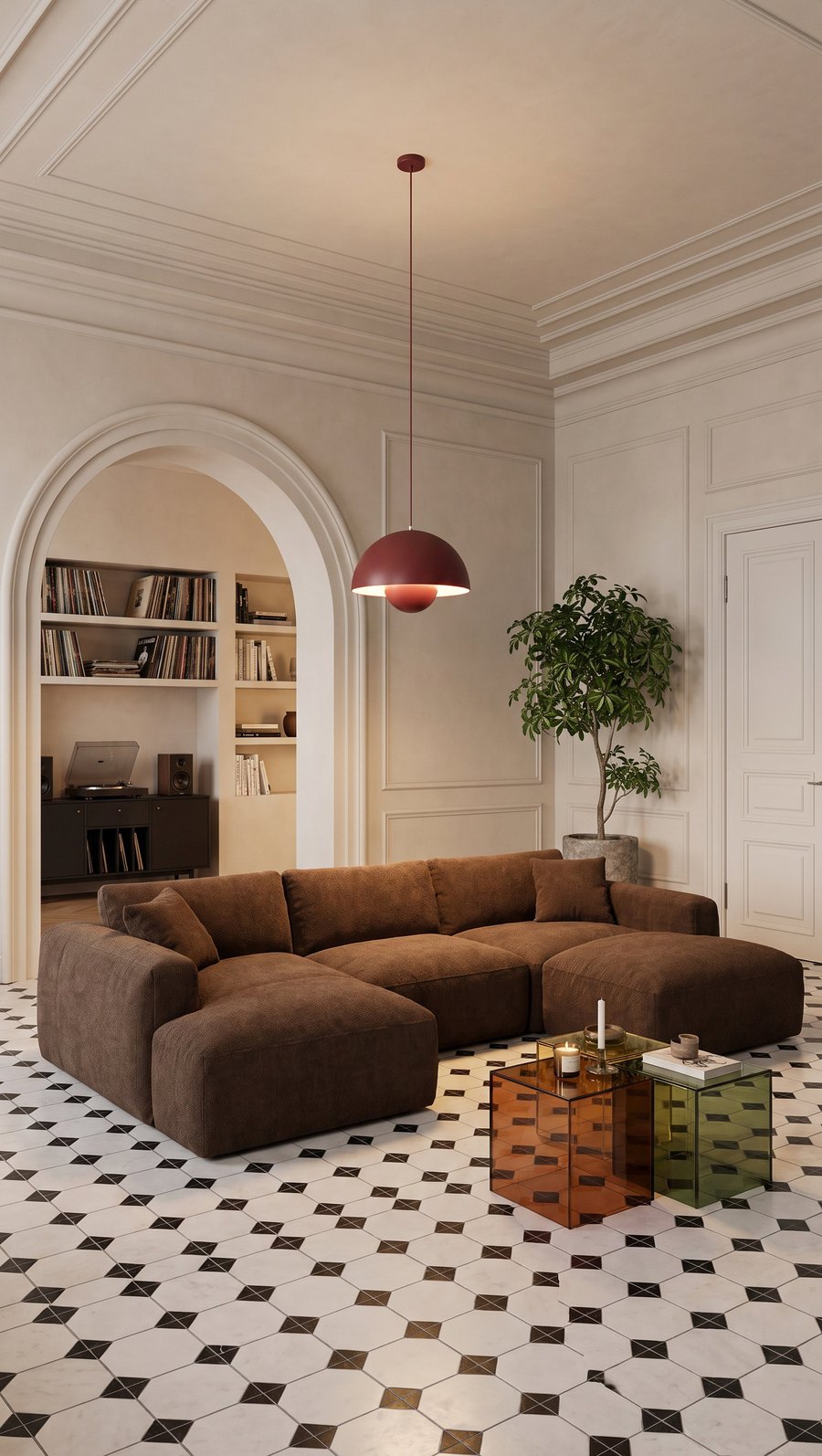 LIFESTYLE
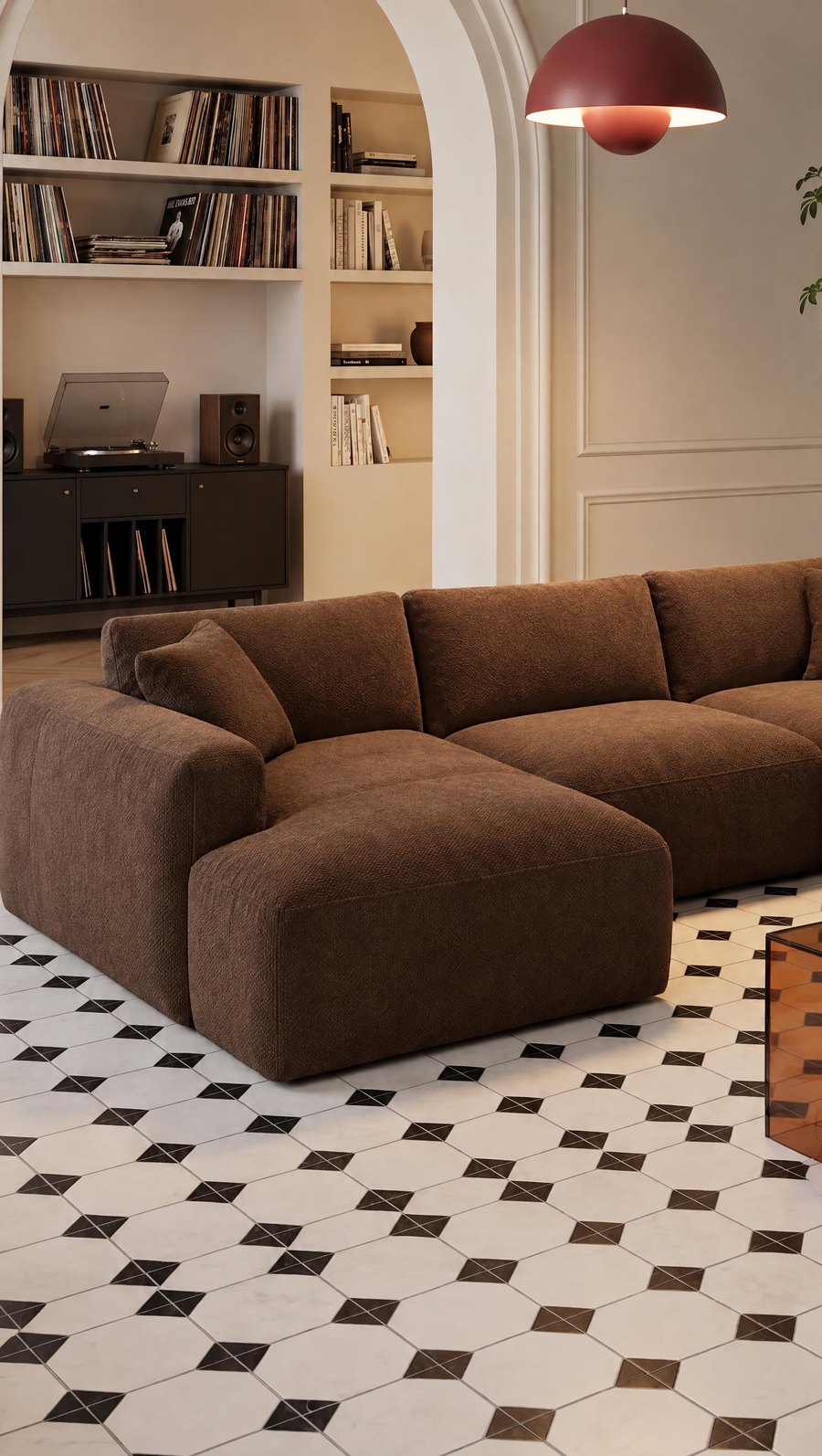 CLOSER
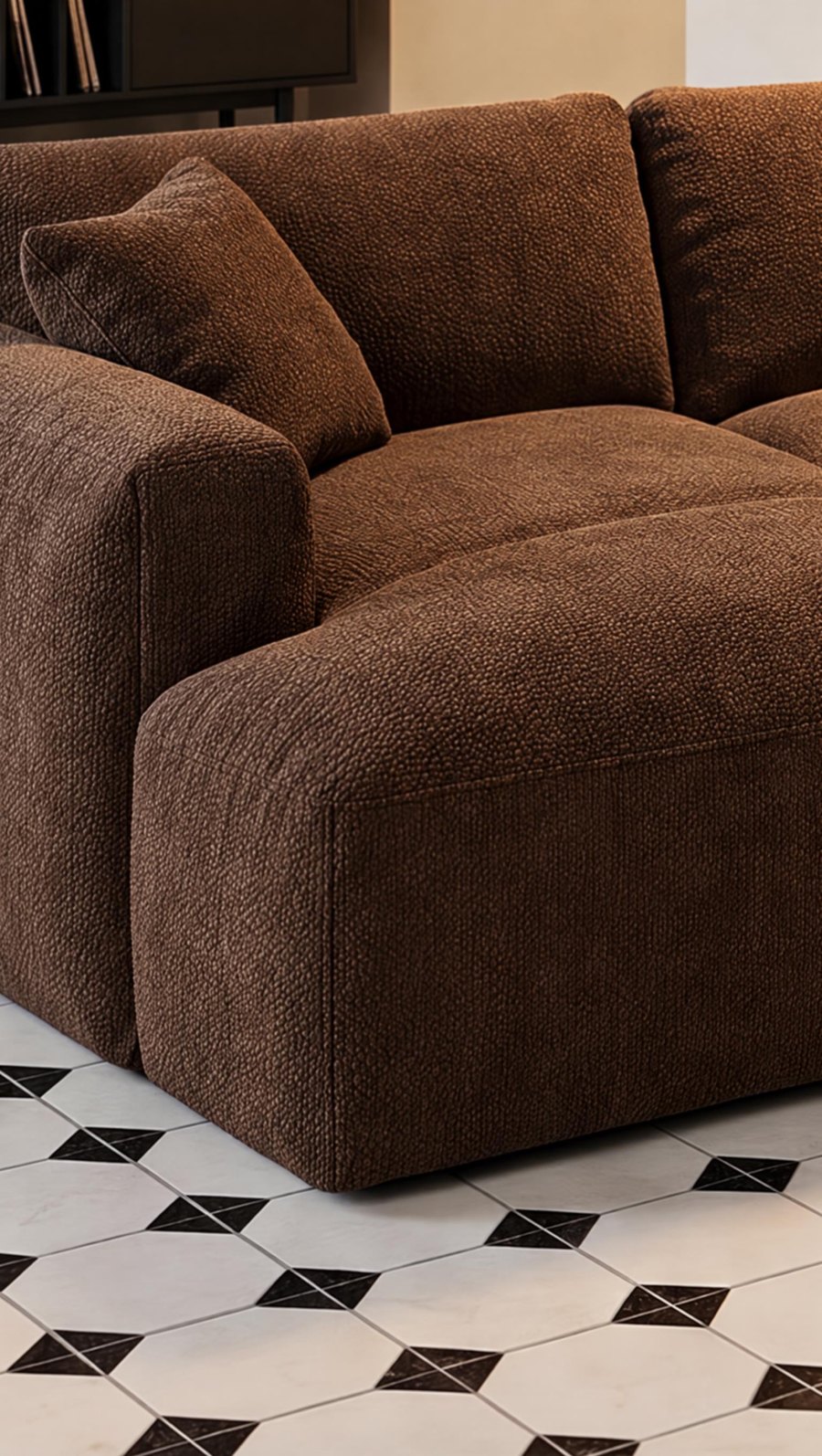 CLOSE-UP
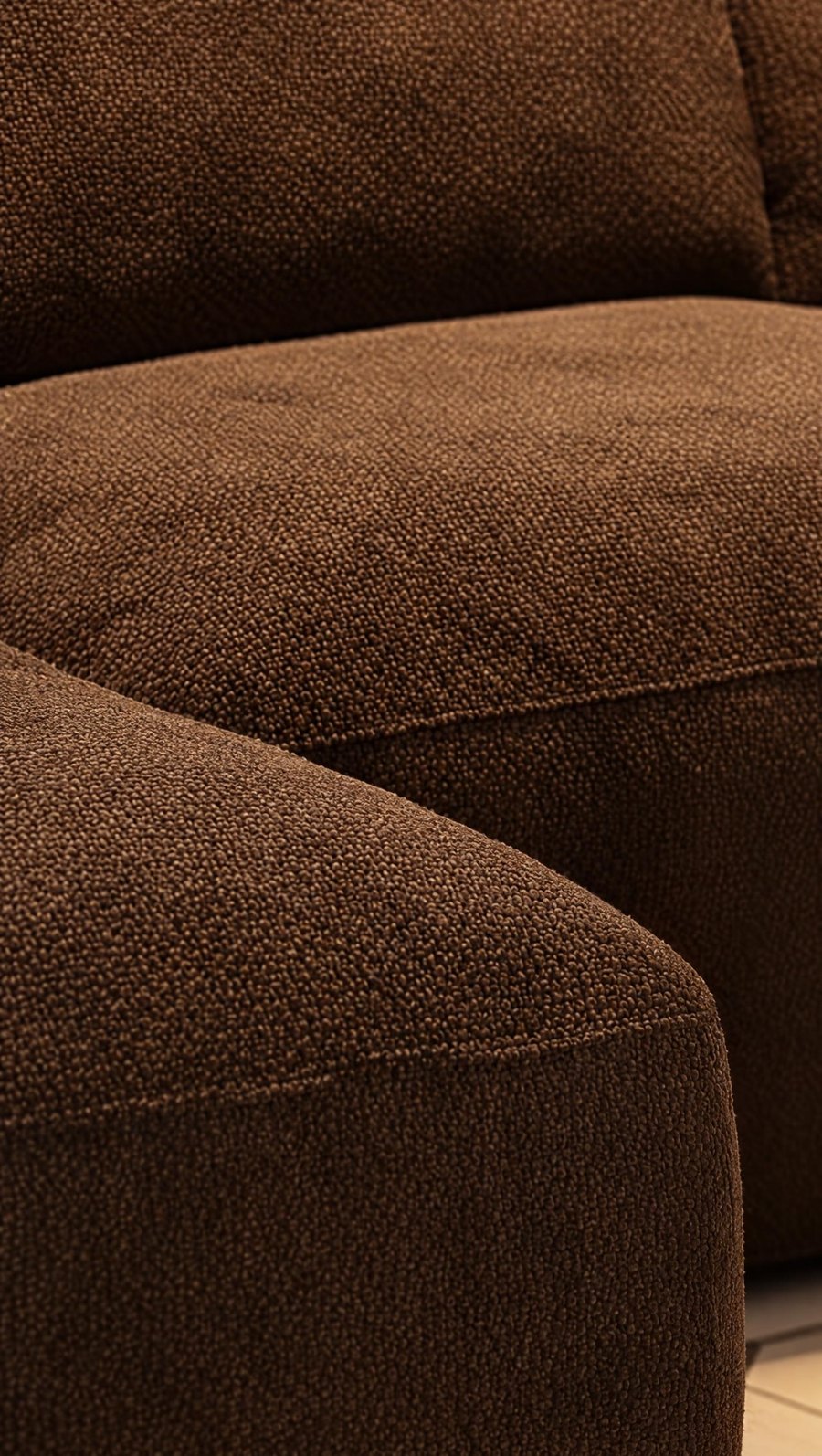 DETAIL
Step 4. Format and size for each platform
You choose the aspect ratio in the photo creator before you create the photo. You can crop the finished photo yourself or change it with the RATIO edit: Sopla sets the exact framing in the new format and fills in the missing parts of the photo (5 credits per frame, up to 6 frames at once). 2K resolution is enough for every marketplace in the table.
 3:2
 4:51:1
Formats and sizes of Sopla photos
Sopla creates photos in 7 aspect ratios. Here are their sizes in the standard 2K resolution and where each works best:
| Aspect ratio | 2K size | Where it works |
|---|---|---|
| 1:1 | 2048 × 2048 px | Main image on Amazon, Wayfair, Walmart, eBay and Google Shopping |
| 4:5 | 1792 × 2240 px | Listing gallery, Instagram and Facebook posts |
| 5:4 | 2240 × 1792 px | Listing gallery, catalogue |
| 3:2 | 2496 × 1664 px | Etsy listing photos, listing gallery, website |
| 2:3 | 1664 × 2496 px | Listing gallery, Pinterest |
| 16:9 | 2720 × 1536 px | Banners, website headers, listing video |
| 9:16 | 1536 × 2720 px | Reels and vertical ads; the free space above and below the piece leaves room for text and buttons |
What else is useful in a listing
You can keep changing a finished Sopla photo, and most of these changes help in listings with variants:
- Colour and material variants: the COLOR and MATERIAL edits create up to 5 versions at once, each in the same framing. They help in a listing with variants, where every colour has its own photos (5 credits each).
- People for scale: the ADD PEOPLE button adds one of 13 scenes to the photo, for example a family or a dog. Buyers see the size of the piece straight away (10 credits).
- Video: a short 1080p video from a photo, 5 or 10 seconds (from 10 credits). Amazon recommends a video in the listing, Etsy allows up to 2 videos of 5 to 15 seconds, and Walmart and eBay let you add one.
- A whole collection at once: when you list many pieces, a photo batch creates photos of the whole collection in one go.
How much it costs in Sopla
| What you create | Credits |
|---|---|
| Packshot on a white background (PACKSHOT style) | 10 |
| Photo with dimensions (DIMENSIONS) | 0 |
| Lifestyle or studio photo | 10 |
| ANGLE, ZOOM, COLOR or MATERIAL edit | 5 |
| RATIO | 5 per frame |
| The set from the example: packshot, dimensions, 2 lifestyle photos, ANGLE and ZOOM | 40 |
Plans differ only in the number of credits, and every plan includes all styles and features. See the plans.
Frequently asked questions
What are Amazon’s image requirements for furniture?
The main image needs a pure white background, RGB 255, 255, 255, with the product filling about 85% of the frame and no text, logos or borders. The minimum size is 500 px on the longer side, zoom works from 1000 px and the maximum is 10,000 px. Amazon also recommends at least 6 additional images and a video.
Can the main image of a sofa on Amazon be a lifestyle photo?
Yes, sofas and beds are among the few product types where Amazon allows a lifestyle main image. A single chair, table or chest of drawers needs a white background in the main image, and you add lifestyle photos to the gallery. Walmart is more flexible: large items such as furniture may be shown in a setting.
What are Wayfair’s image requirements?
At least 1000 × 1000 px, with 2000 × 2000 px recommended so that every detail shows. Wayfair asks for 3 or more images per product and recommends a mix of silo shots on white and room shots. Dimensional images are one of its common image types.
What aspect ratio should marketplace photos be?
A 1:1 square for the main image, because it looks good in search results on most platforms. On Etsy, landscape photos such as 3:2 work well too. In the gallery, 4:5, 5:4 and 3:2 are also good choices. Sopla creates photos in 7 aspect ratios, and you can change a finished photo with the RATIO edit.
Can I show dimensions on furniture photos?
Yes, in the additional images on Amazon and Wayfair, but not in the main image. eBay doesn’t allow text on any photo, so put the dimensions in the description there. You can draw a photo with dimensions in Sopla with DIMENSIONS, in centimetres or inches, at no credit cost.
How many photos should a furniture listing have?
Enough for the buyer to see the piece from every side, in a room and up close: usually 6 to 8. Amazon recommends at least 6 additional images, Wayfair at least 3, Walmart at least 4, and eBay and Etsy allow up to 24 and 20.
Is 2K resolution enough for marketplaces?
Yes. 2K photos are at least 2048 px on the longer side, which is more than any platform in the table requires and enough for zoom on Amazon, Walmart and Google.
Does the furniture in a lifestyle photo look the same as in the packshot?
In most photos, yes, because Sopla starts from your packshot. Sometimes the angle of the piece or a detail changes, so compare every photo with the packshot before you upload it to a marketplace.
Prepare a complete set of listing photos: packshot, dimensions and lifestyle photos in one place.
