


A lifestyle photo shows a piece of furniture in a furnished room instead of on a white background. To create one from a packshot, you need one good photo of the piece on a plain background and a tool that places it in a finished interior. In Sopla.app it takes five steps and a few clicks, with no prompts to write, and the photo is usually ready in about a minute.
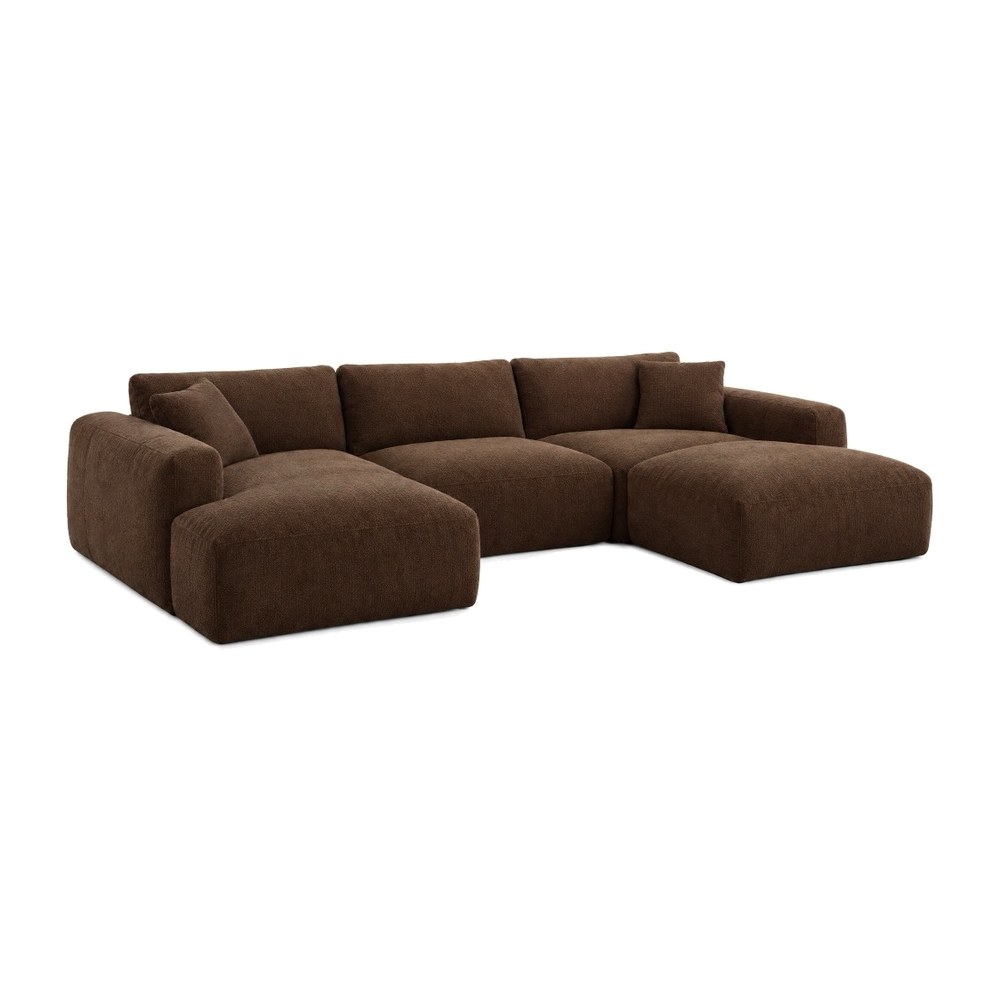 PACKSHOT
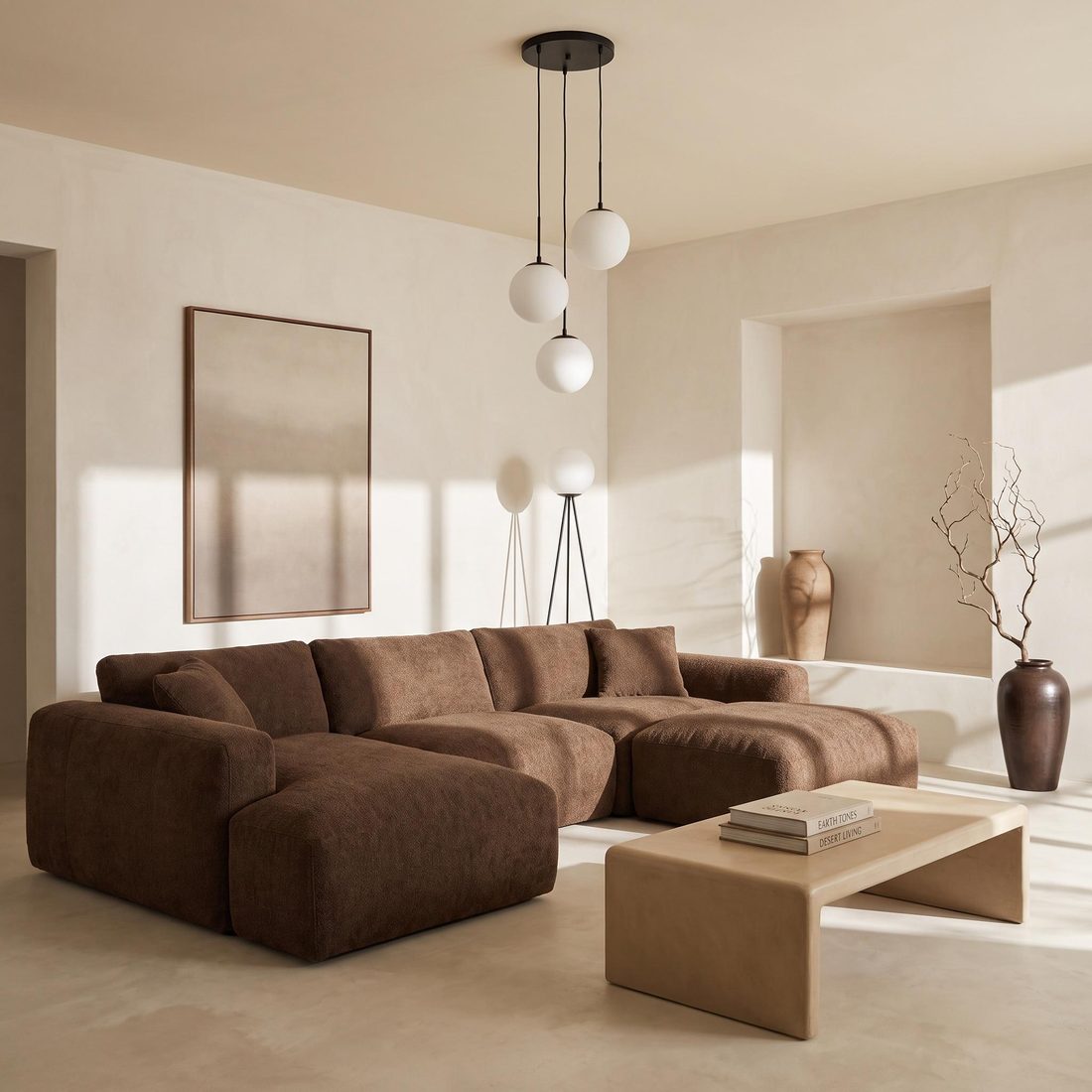 WARM MINIMAL
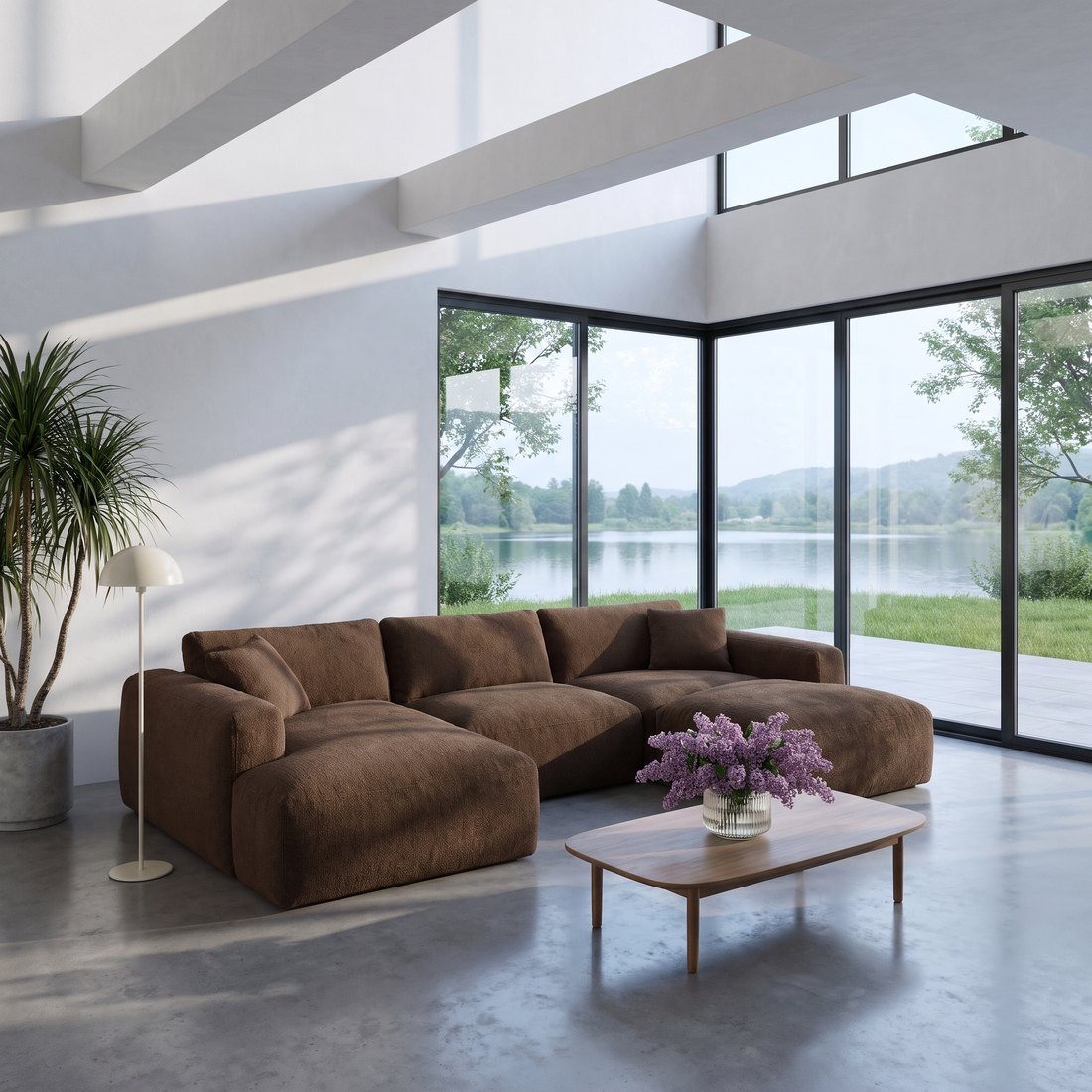 MODERN
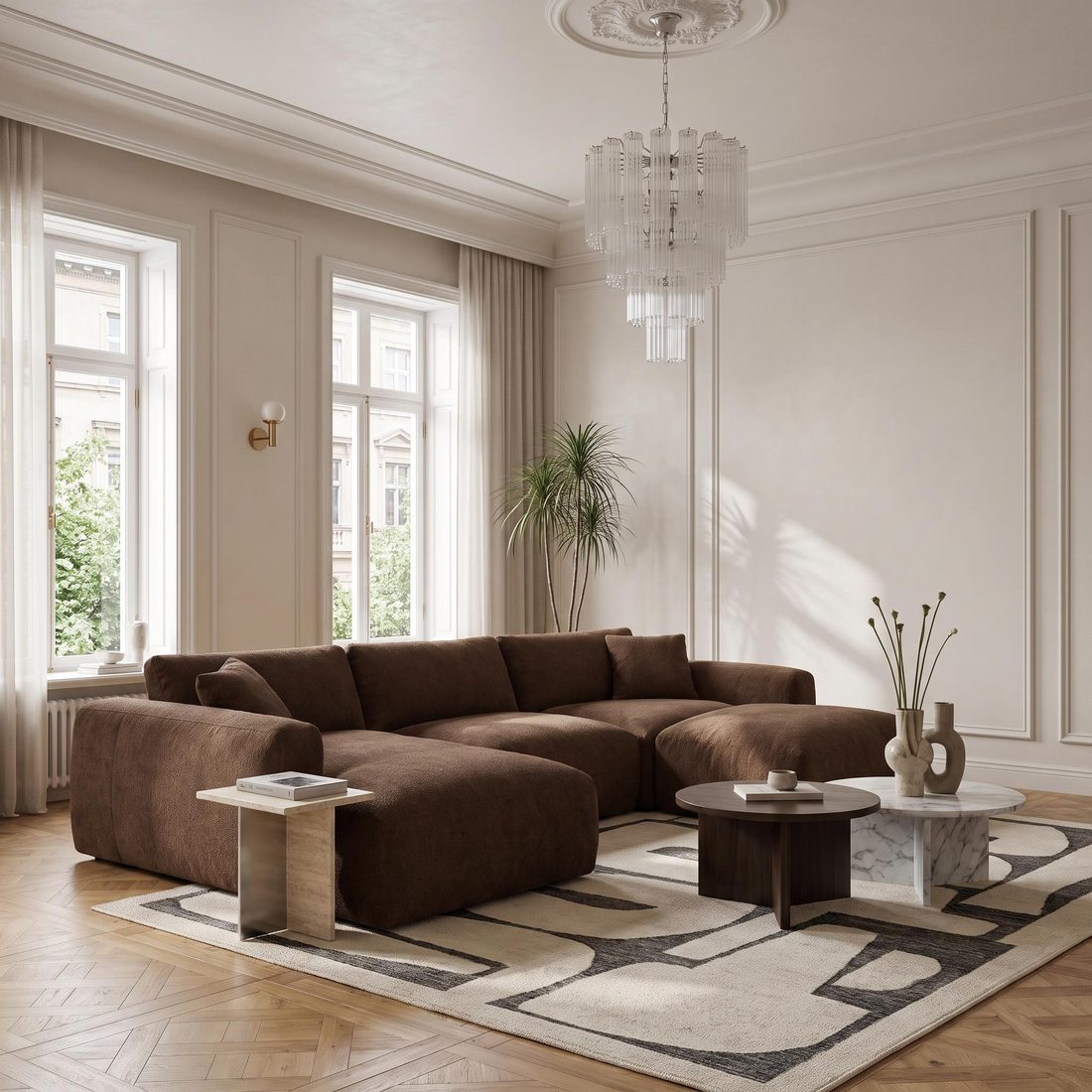 OLDTOWN
What a furniture lifestyle photo is
A lifestyle photo shows furniture in a furnished room: a sofa in a living room, a bed in a bedroom, a table in a dining room. You may also hear it called a room scene, an in-situ photo or an interior visualisation.
A packshot shows the product on its own. A lifestyle photo shows how it looks at home: its scale, the light and what it goes with. The two work together:
| Packshot | Lifestyle photo | |
|---|---|---|
| What it shows | The piece alone on a white or plain background | The piece in a furnished room |
| The question it answers | What exactly does the product look like? | How will it look in my home? |
| Where it works | Main image in an online shop or on a marketplace, variant overviews | Product page gallery, catalogue, social media, ads |
| How many you need | Usually one per variant and angle | Several: different styles, formats and seasons |
What to prepare: a good packshot
Your starting point is a packshot, a photo of the piece on a white or plain background. The better the packshot, the better the starting point. Check four things:
- The whole piece in frame. No cropped legs, sides or backrests.
- A plain, light background. White or a single colour, with nothing else in the shot.
- Sharp focus and even light. You can see the fabric texture, the wood grain and the stitching.
- An angle close to the one you want in the room. Sopla usually keeps the angle of the packshot, though not always exactly. You can also change the angle later, on the finished photo.
The file can be a JPG or PNG of up to 10 MB. If you don’t have a packshot, you can create one in Sopla and reuse it.
How to create a lifestyle photo from a packshot: 5 steps
Here are the steps in Sopla.app, a browser-based app for the furniture industry.
Step 1. Upload the packshot
Click NEW PHOTO and upload the file. The photo stays in your library, so for more photos of the same piece you simply pick it from the list.
Step 2. Choose the furniture type
Tell Sopla what is in the photo: sofa, armchair, bed, table, chair, desk, wardrobe or one of the other types (23 in total). This tells Sopla how to place the piece in the room. If the packshot shows several pieces, choose FURNITURE SET.
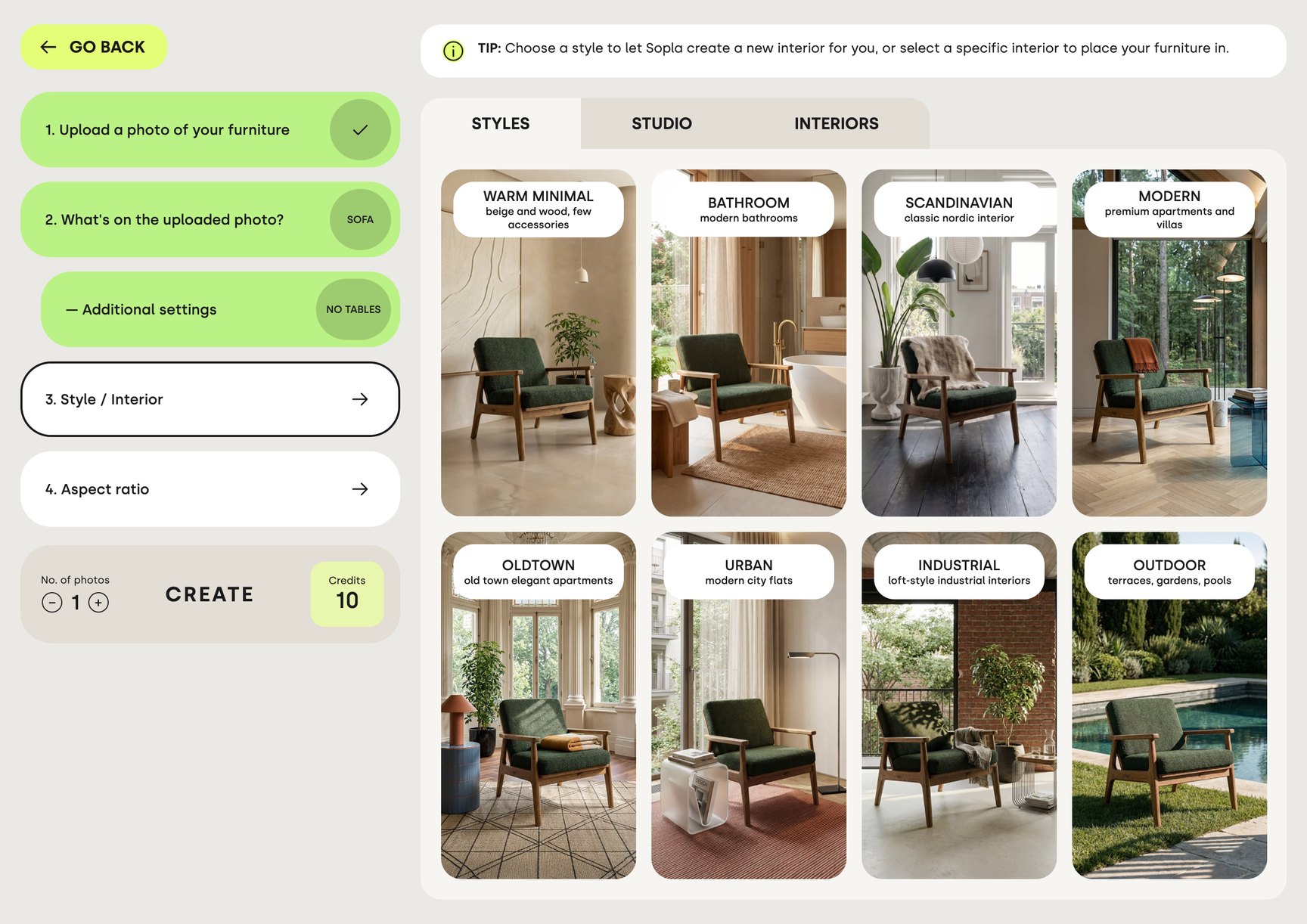
Step 3. Choose an interior style
There are 23 styles:
- home interiors, including SCANDINAVIAN, MODERN, OLDTOWN, INDUSTRIAL and WARM MINIMAL,
- seasonal: AUTUMN, WINTER and WINTER+XMAS,
- OFFICE, and OUTDOOR for garden furniture,
- five studio backgrounds: MATCH, CONTRAST, LIGHT, DARK and PACKSHOT.
The interiors are designed in advance by the Sopla team, so you choose a style instead of describing one. For most styles you can also choose the light and shadows, for example MORNING or GOLDEN HOUR. This step is optional. Want to show the piece in your own interior, such as your showroom? Upload a photo of the room and choose it instead of a style.
Step 4. Choose the aspect ratio
Choose the format based on where you will use the photo:
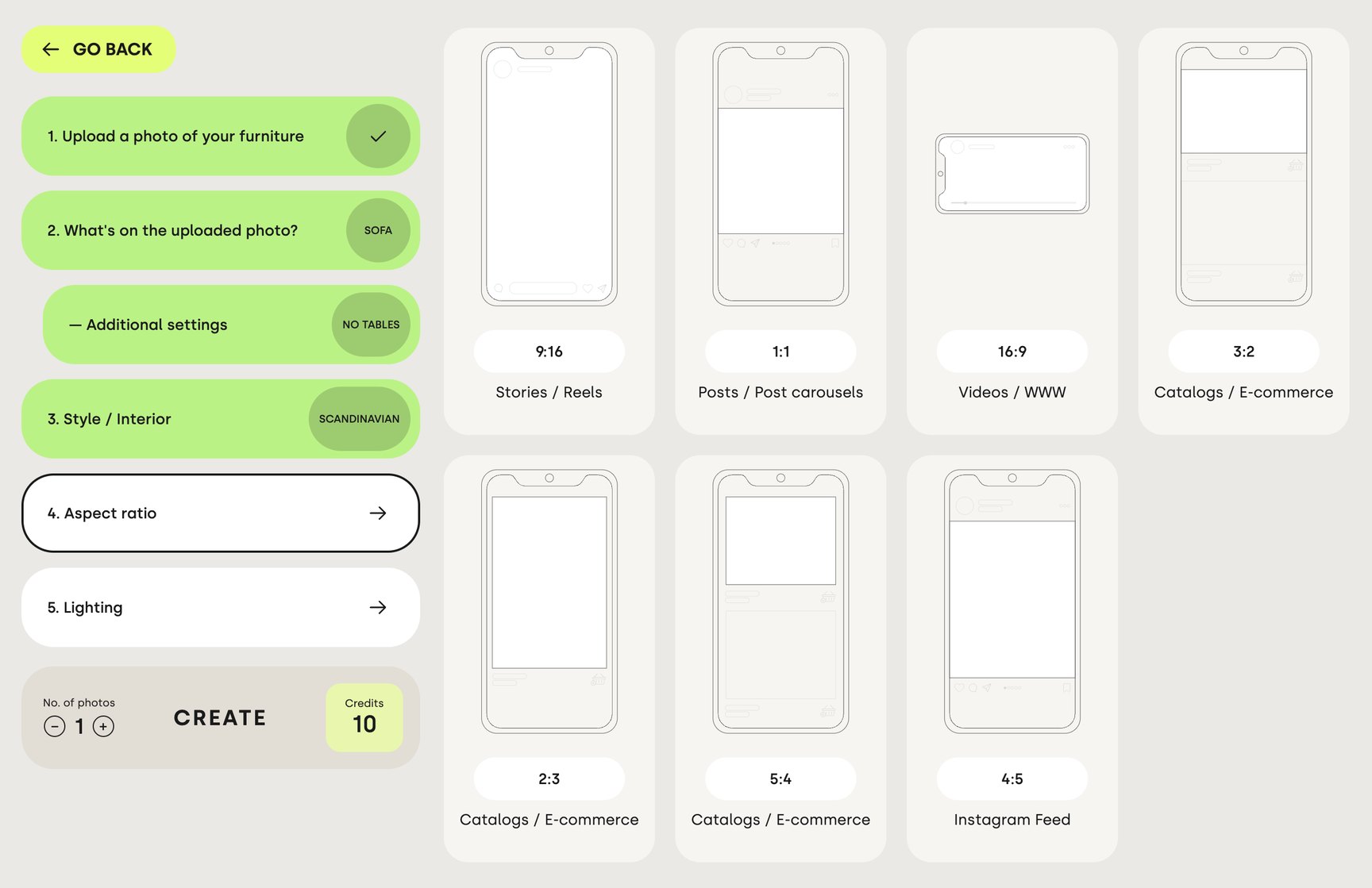
| Aspect ratio | Where it works |
|---|---|
| 1:1 | Posts and carousels |
| 4:5 | Instagram feed |
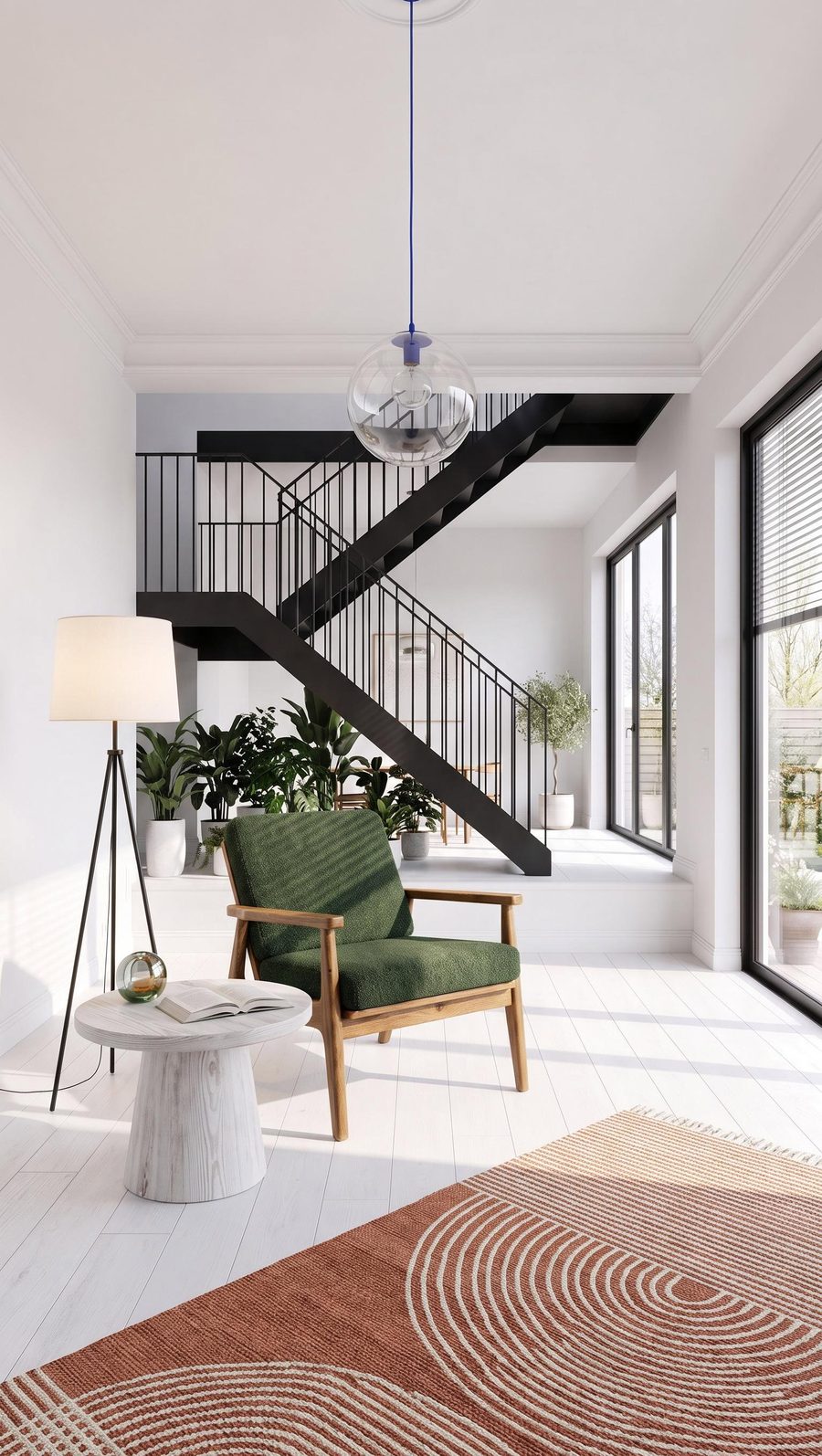
| 9:16 | Stories, reels and vertical ads. The free space above and below the piece leaves room for text and buttons |
| 16:9 | Website and landscape video |
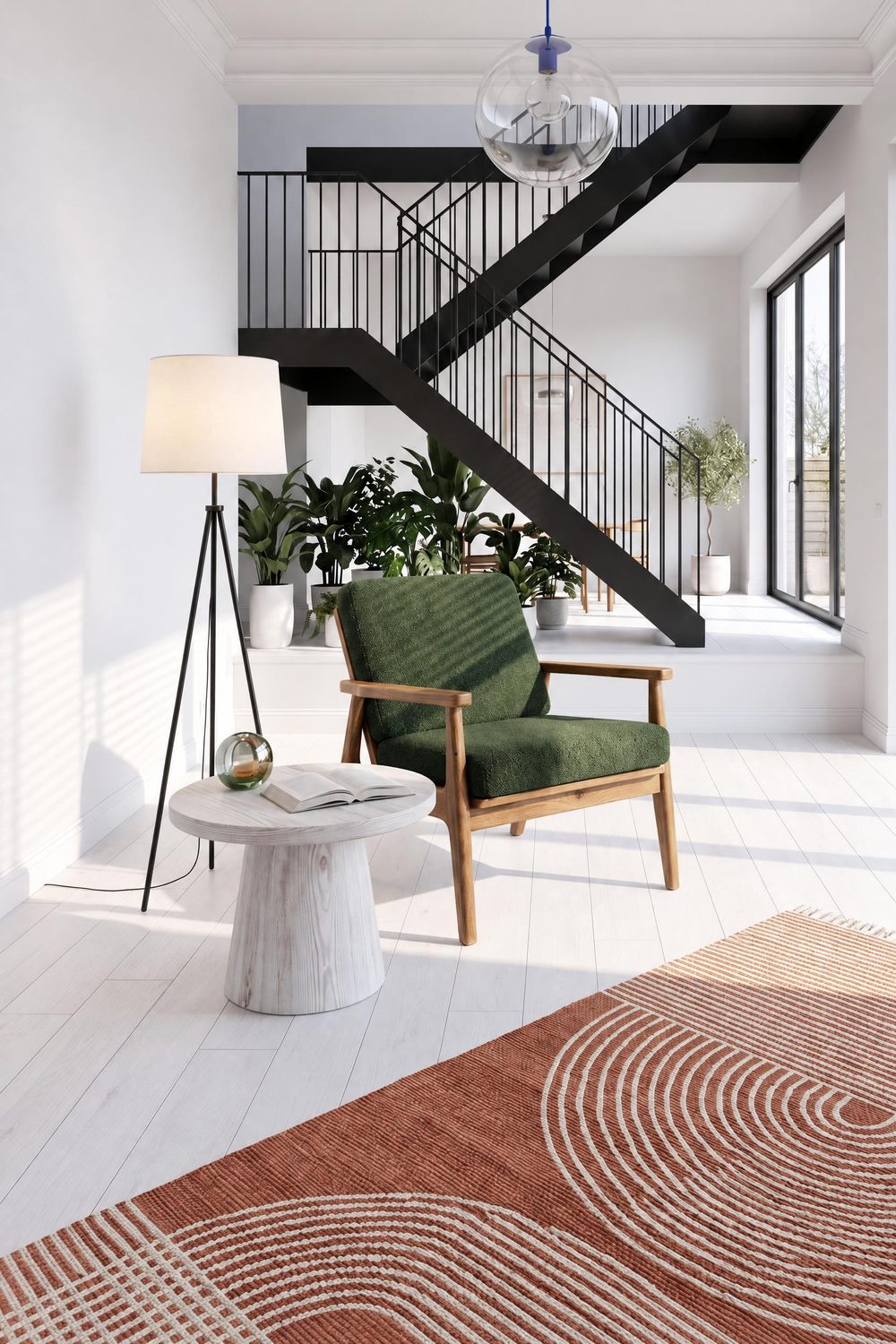
| 3:2, 2:3, 5:4 | Catalogues and online shops |
Step 5. Click CREATE
Set the number of photos (1 to 5) and click CREATE. The photo is usually ready in about a minute and appears in your gallery. Meanwhile you can start the next one.
One packshot, many lifestyle photos
You can use the same packshot as many times as you like, so a set of photos for your shop, social media and campaigns takes just a few minutes. A sample set for one sofa:
- 3 lifestyle photos in different styles for the product page gallery,
- 1 photo in 4:5 for Instagram,
- 1 photo in 9:16 for reels,
- 1 seasonal photo for an autumn or Christmas campaign.
That’s 6 photos, or 60 credits.
For a whole collection, a saved interior helps: you reuse the same room for every piece, so your catalogue and marketplace listings look consistent. That is how the Danish brand Furnhouse worked. Its 2026 catalogue runs to 174 pages and 263 product variants, and 99% of the images in it were created in Sopla. Read the Furnhouse case study.
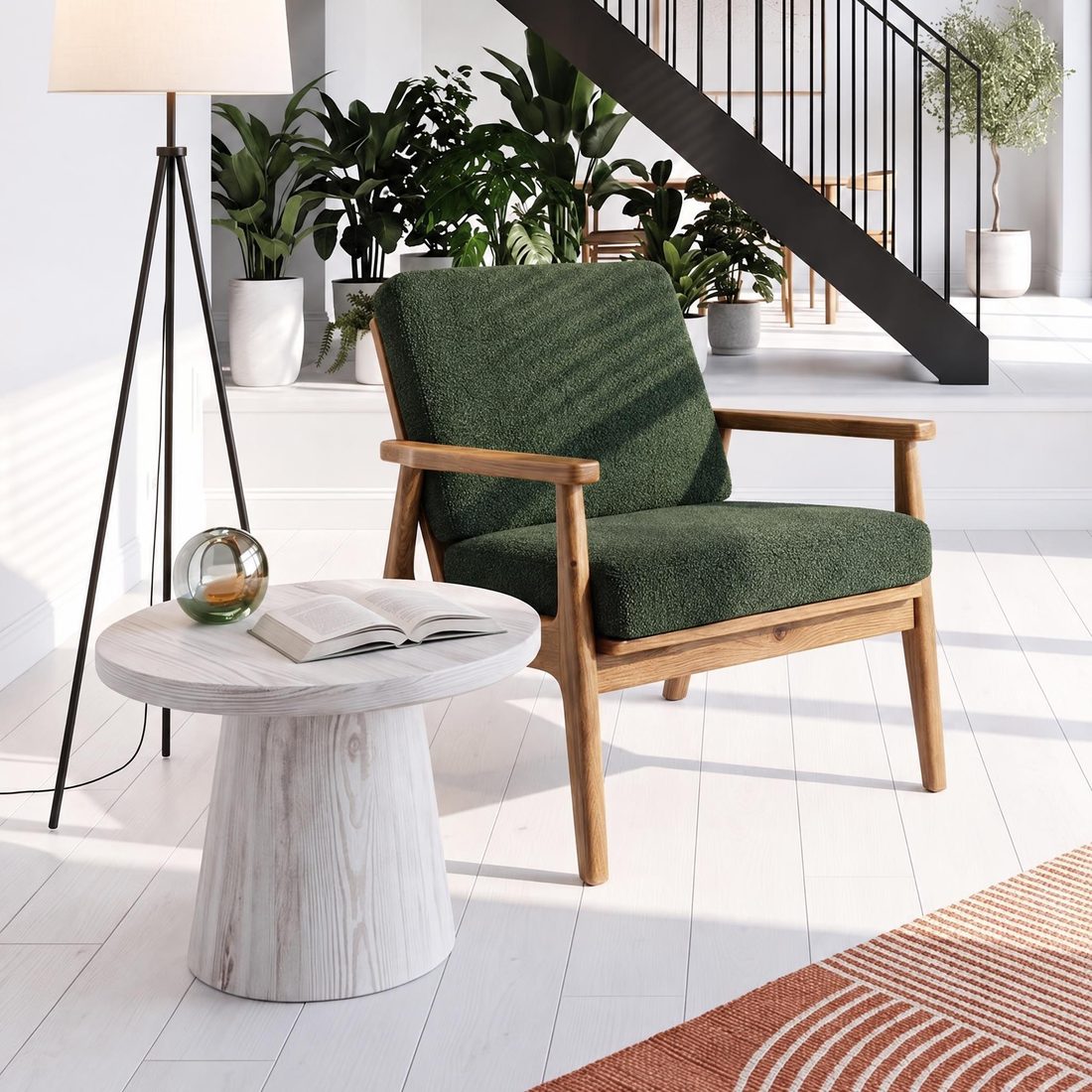
 9:16
 2:3
 1:1
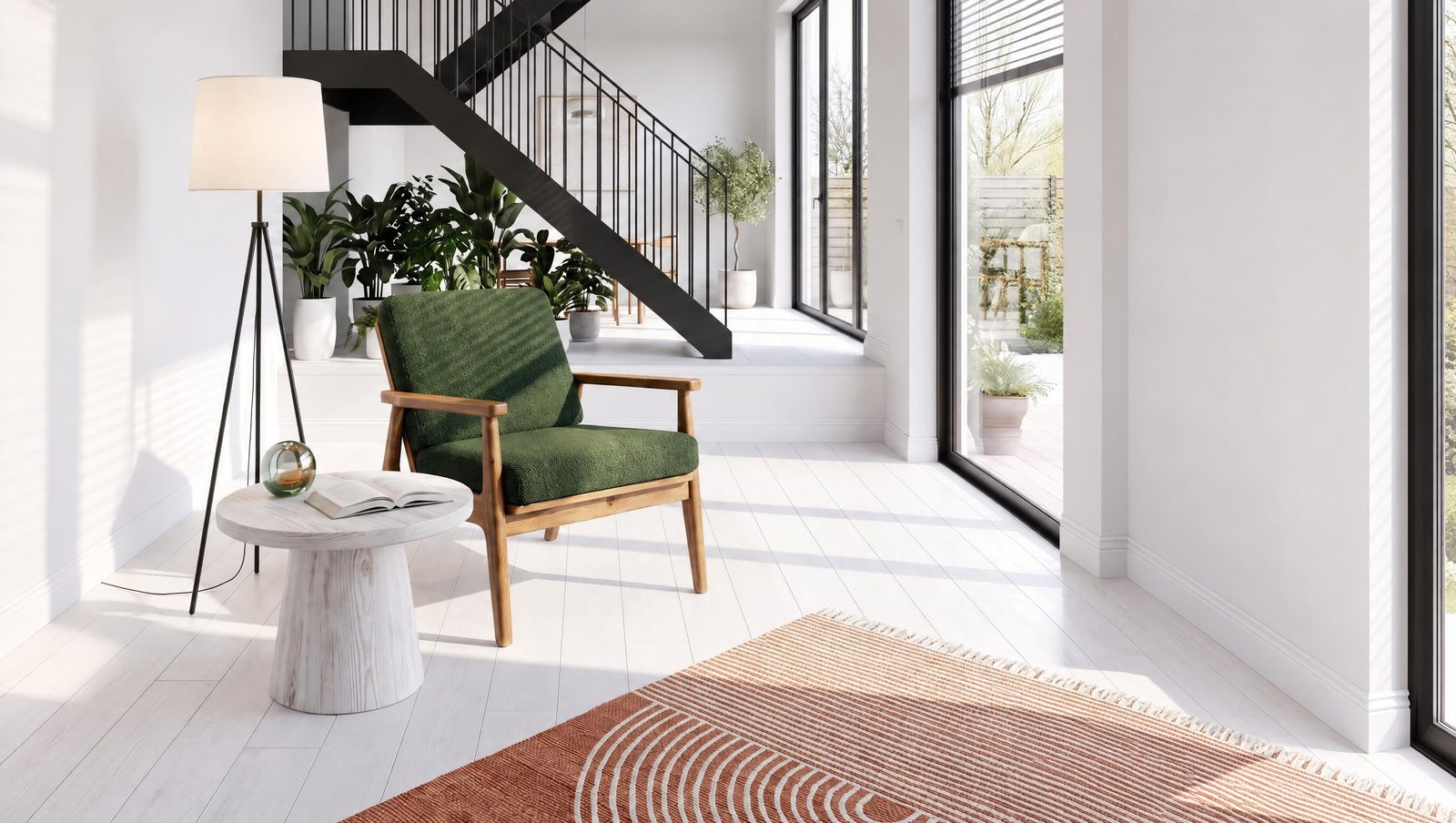 16:9
What to check before you publish
A lifestyle photo has to sell the real product, so compare it with the packshot before you publish:
- Shape and proportions: the silhouette, back height, leg length.
- Colour and material: fabric shade, wood grain, sheen.
- Details: stitching, legs, handles, buttons.
- Scale in the room: the piece looks natural next to the window, doors and other furniture.
Sopla starts from your packshot instead of creating the piece from a description, and in most photos it stays faithful to it. Sometimes, though, the angle of the piece or a detail changes, so it’s worth comparing every photo with the packshot. If something doesn’t match, create another photo with the same settings: each one comes out a little different.
What to do with the finished photo
A finished lifestyle photo is a starting point for more content:
- Product variants: change the colour or material of the piece, up to 5 at once, or upload a photo of another variant, for example the piece opened up.
- Other shots: change the angle of the piece, show the whole room from another viewpoint or create a close-up of a detail.
- Versions for each channel: change the aspect ratio with precise cropping, add the piece’s dimensions in centimetres to the photo (handy for marketplaces) and adjust the colours. Dimensions and colour adjustments cost no credits.
- More life in the scene: add people and pets, change the decor in your own words or create a 1080p video (one 5s shot, one 10s shot or three 5s shots).
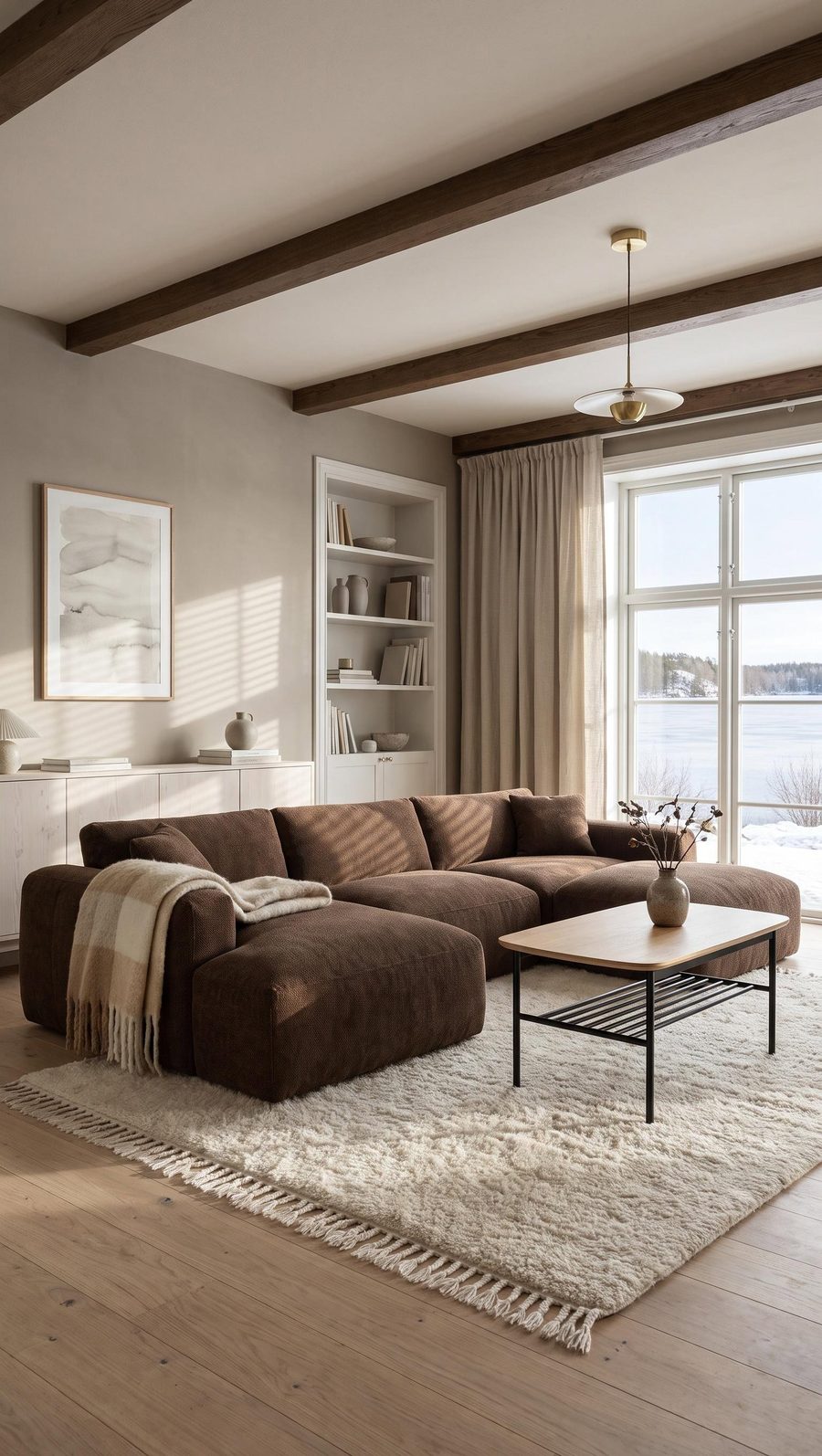 WINTER
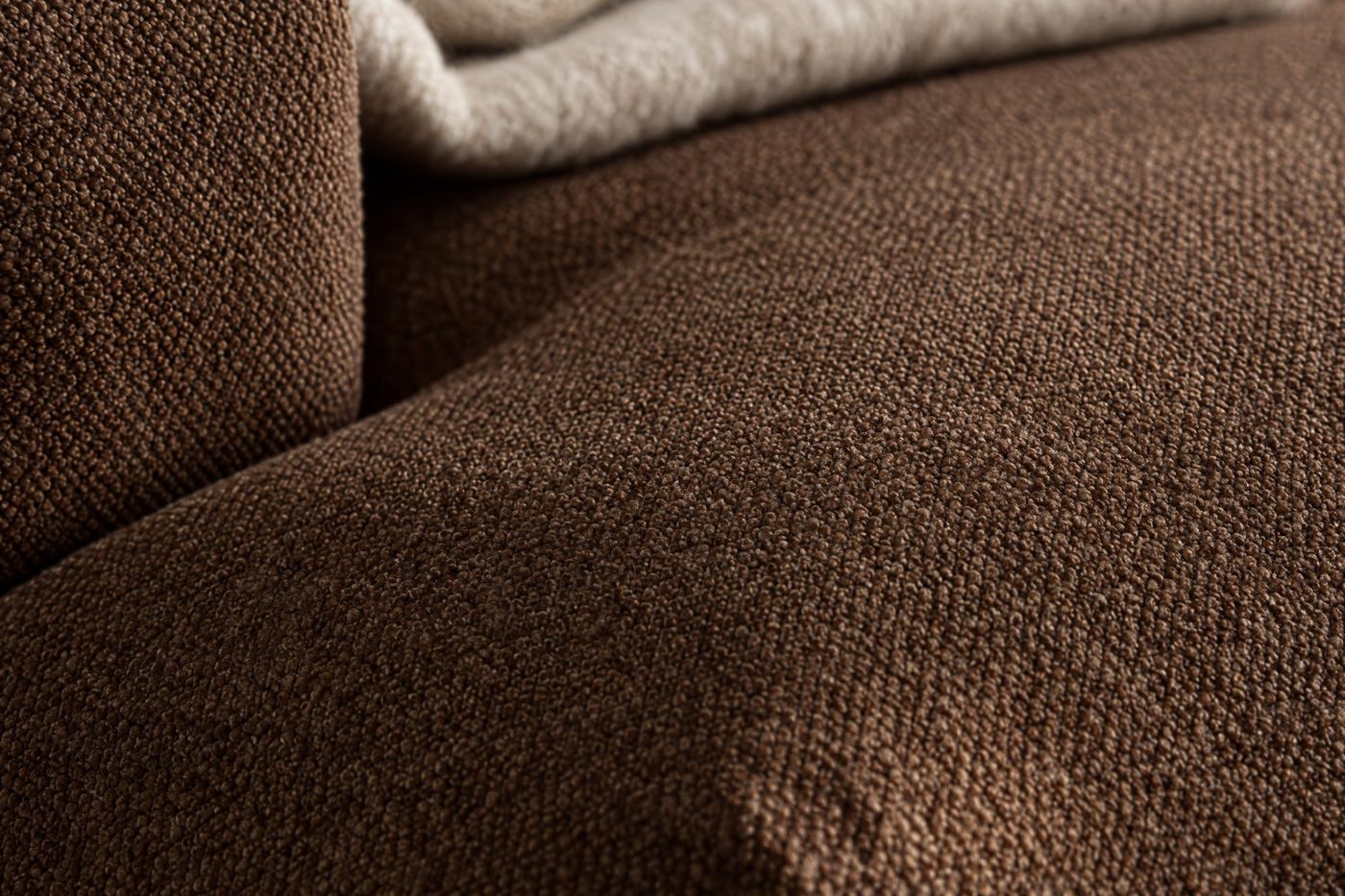 ZOOM
How much a lifestyle photo costs in Sopla
One photo costs 10 credits.
| Plan | Net price | Credits | Photos | Cost per photo |
|---|---|---|---|---|
| START | 29€ a month | 200 | 20 | 1.45€ |
| BUSINESS | 99€ a month | 800 | 80 | approx. 1.24€ |
Every plan includes all styles, all features and full commercial use. Plans differ only in the number of credits. See the plans.
Frequently asked questions
Does the furniture in a lifestyle photo look the same as in the packshot?
In most photos, yes. Sopla starts from your packshot, not from a text description, so it usually keeps the proportions, materials and colour of the piece. Sometimes the angle of the piece or a detail changes, so compare the photo with the packshot before you publish.
Do I need a packshot on a white background?
A white or plain background and the whole piece in frame are enough. If you don’t have a packshot, you can create one in Sopla and reuse it.
How long does it take to create a lifestyle photo?
Usually about a minute. Meanwhile you can start the next photo.
Do I have to write prompts?
No. You choose the furniture type, the style and the aspect ratio. The only time you type is to describe a decor change on a finished photo, if you want one.
Can I show the furniture in my own interior?
Yes. Upload a photo of your room, for example your showroom, and choose it instead of a ready-made style.
What furniture can I show?
23 types, including sofas, armchairs, beds, tables, chairs, bar stools, desks, office chairs, wardrobes, sideboards, sunbeds, swings and complete furniture sets. Lamps and sanitary ware are not yet supported as products.
Can I use the photos in my shop, on marketplaces and in ads?
Yes. On every plan, you own everything you create in Sopla from the moment it’s created. You can publish the photos on your website, in marketplace listings, in catalogues, in paid ads and on social media, with no extra licence to buy.
Got a packshot? Upload it and create your first lifestyle photo.